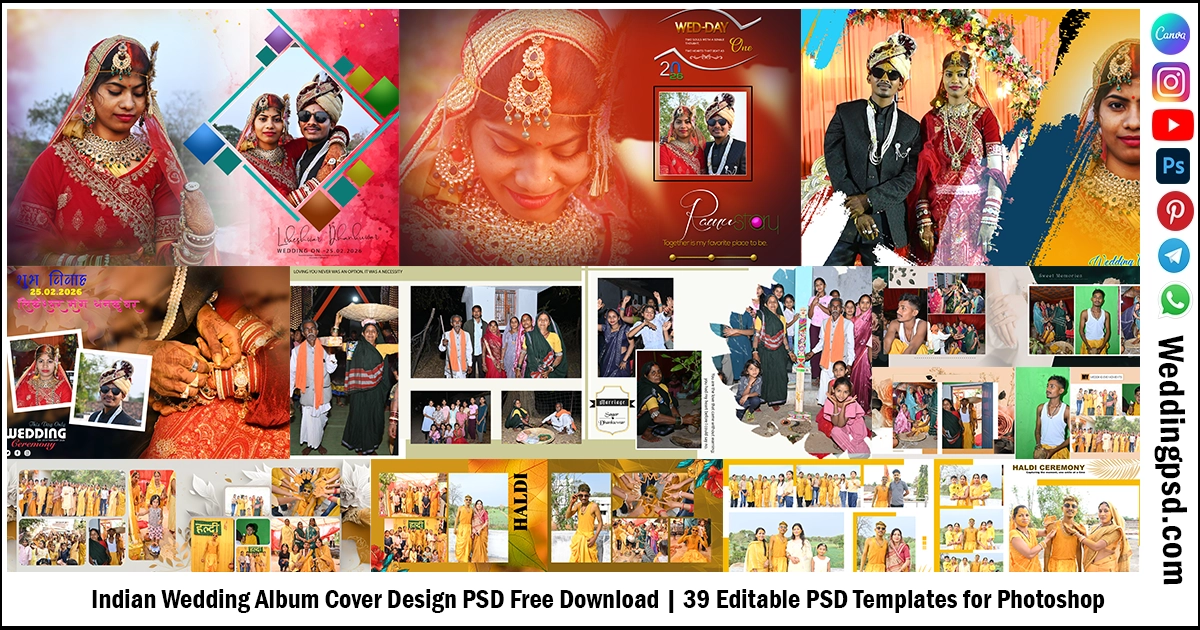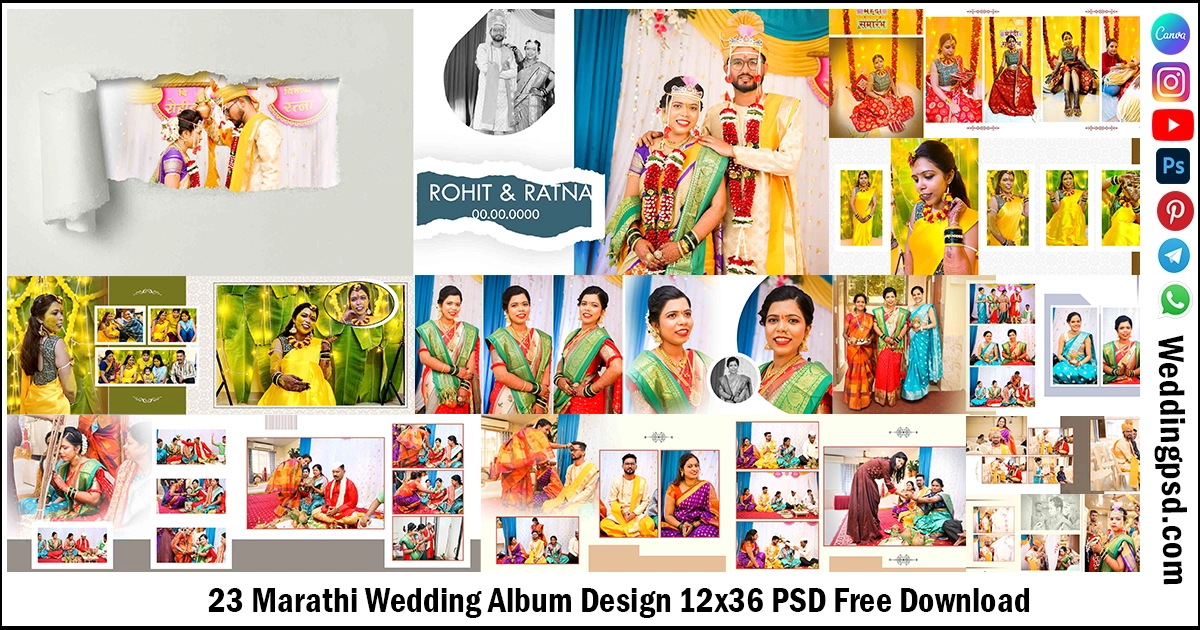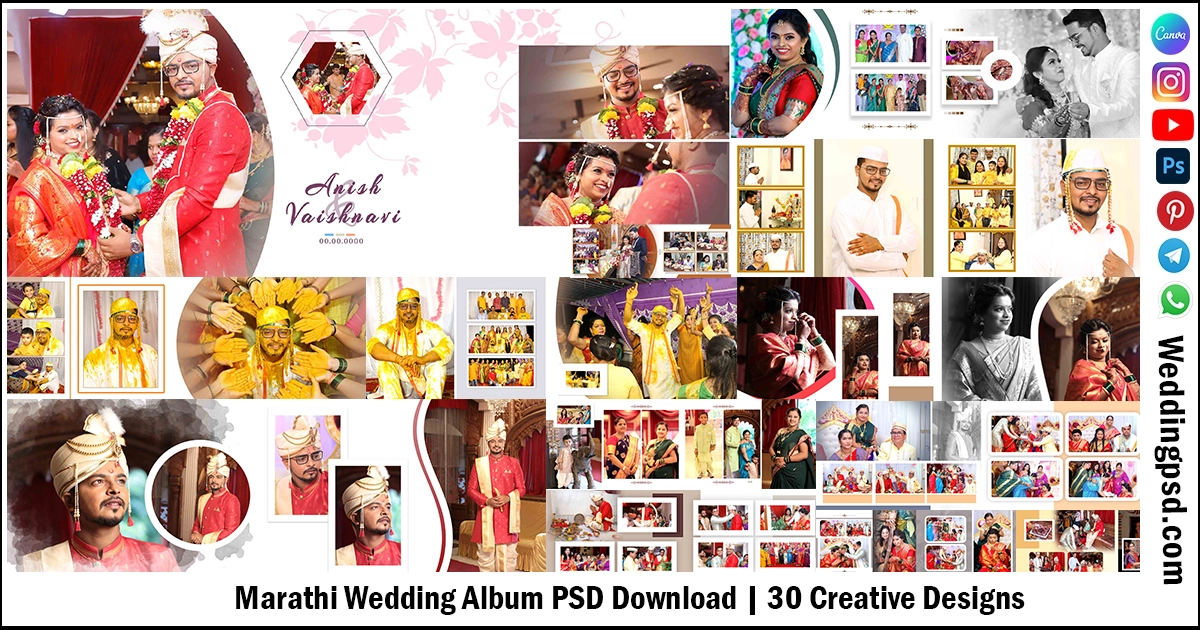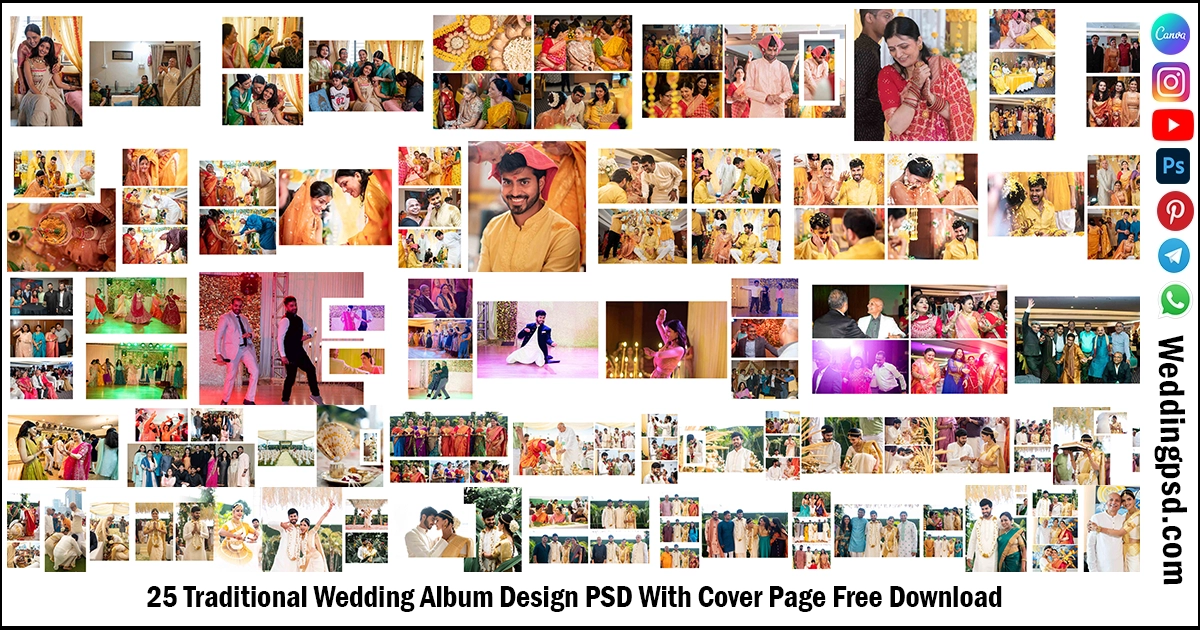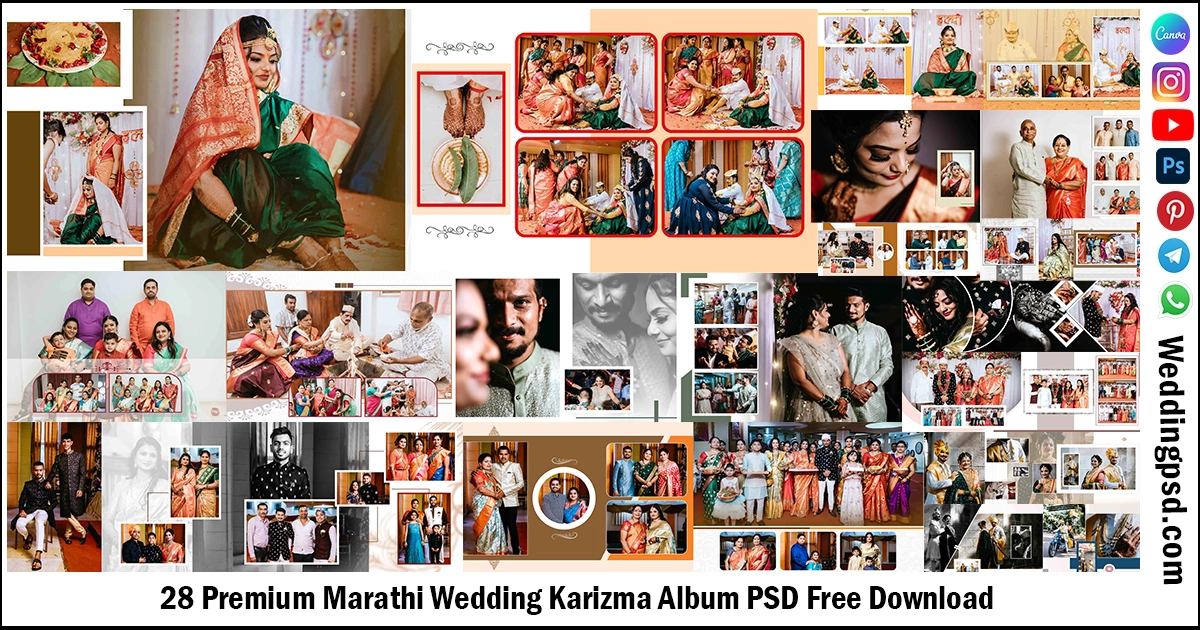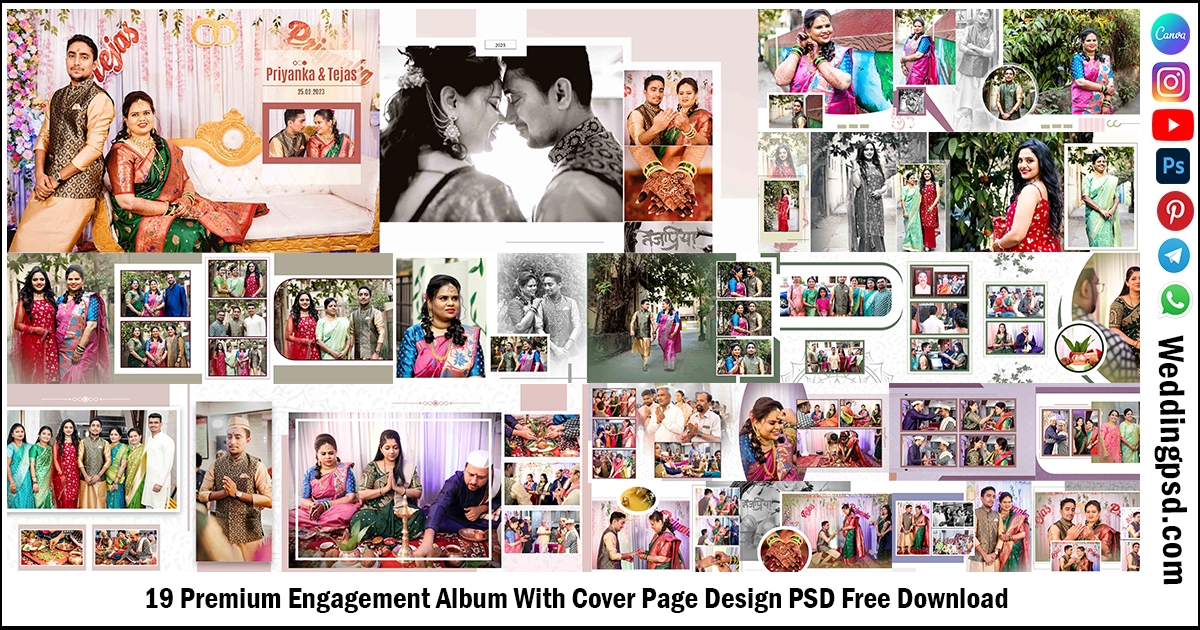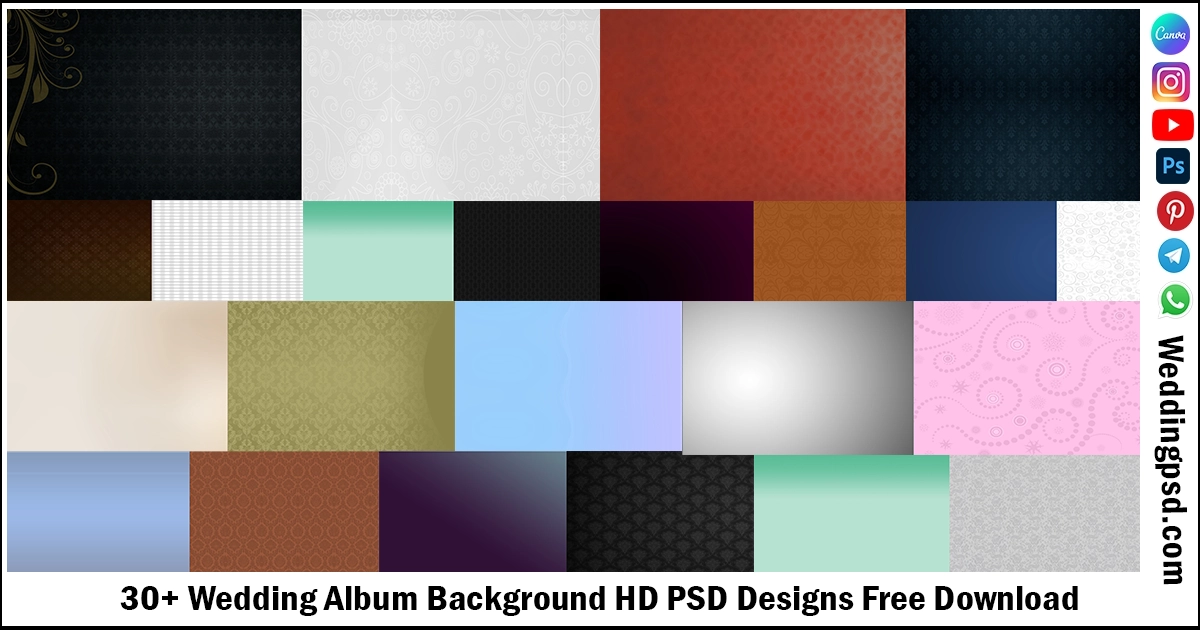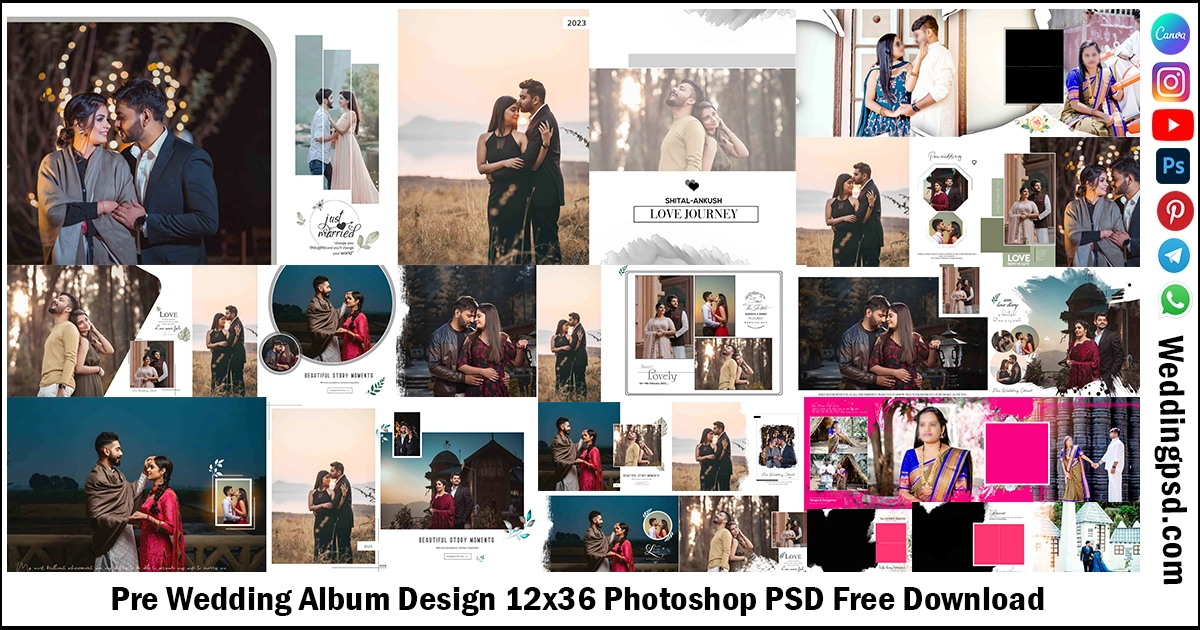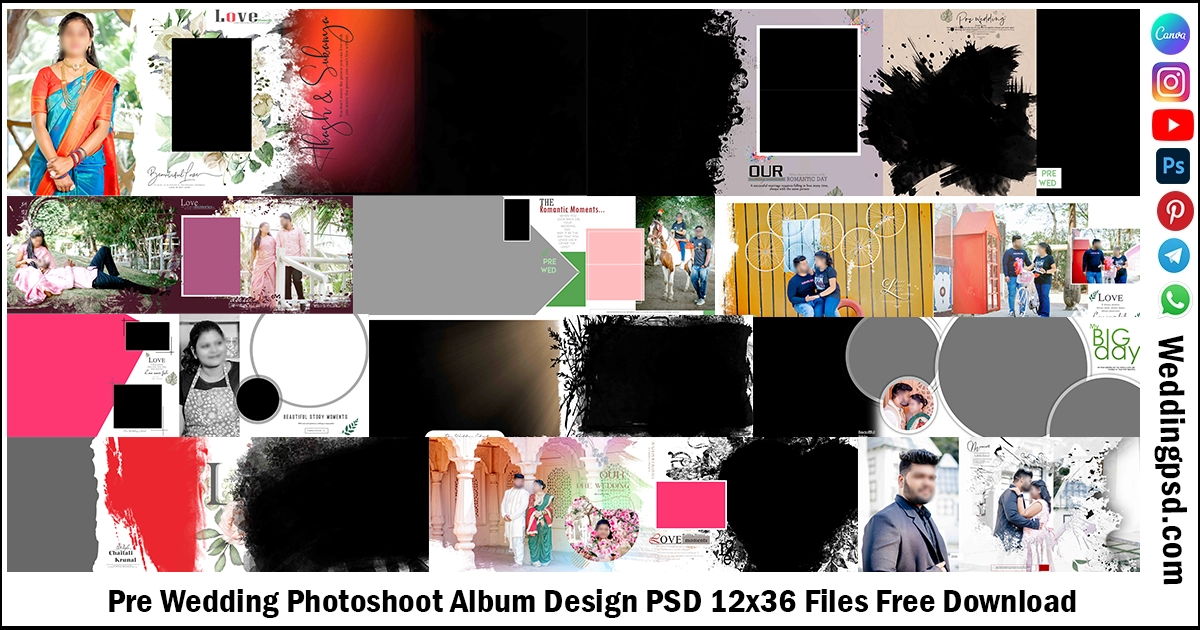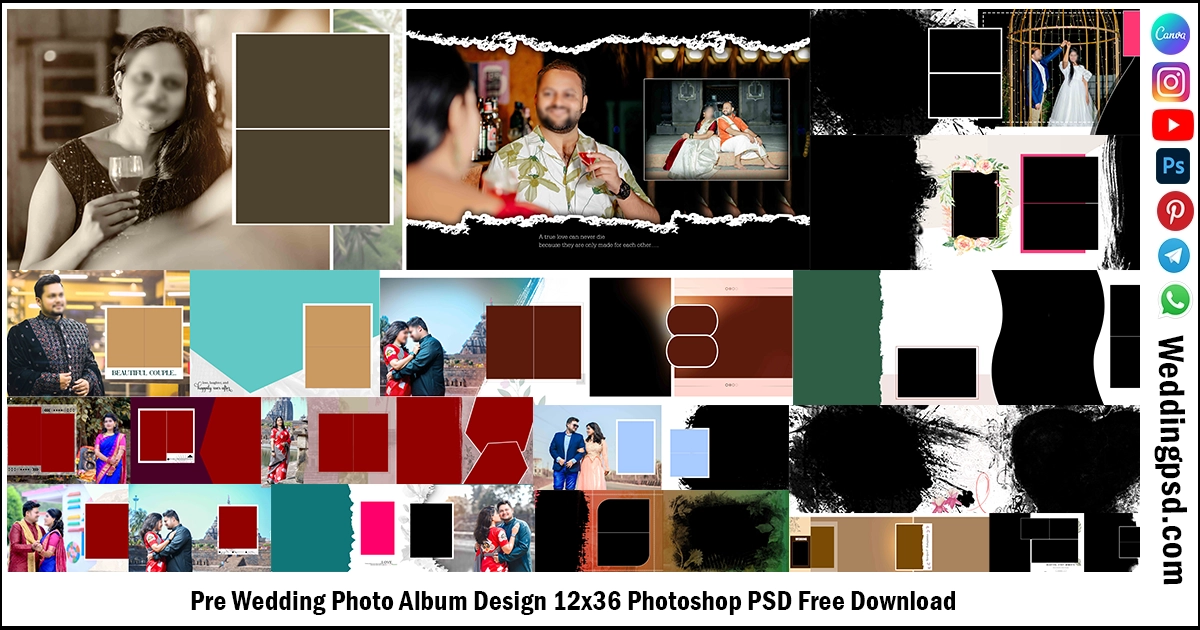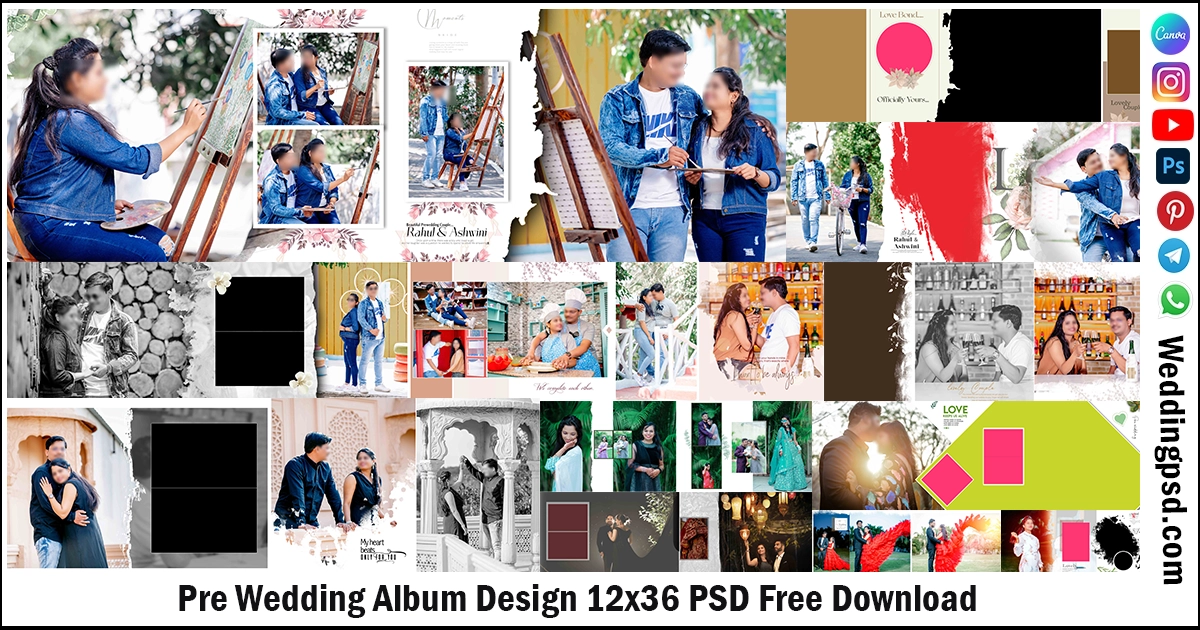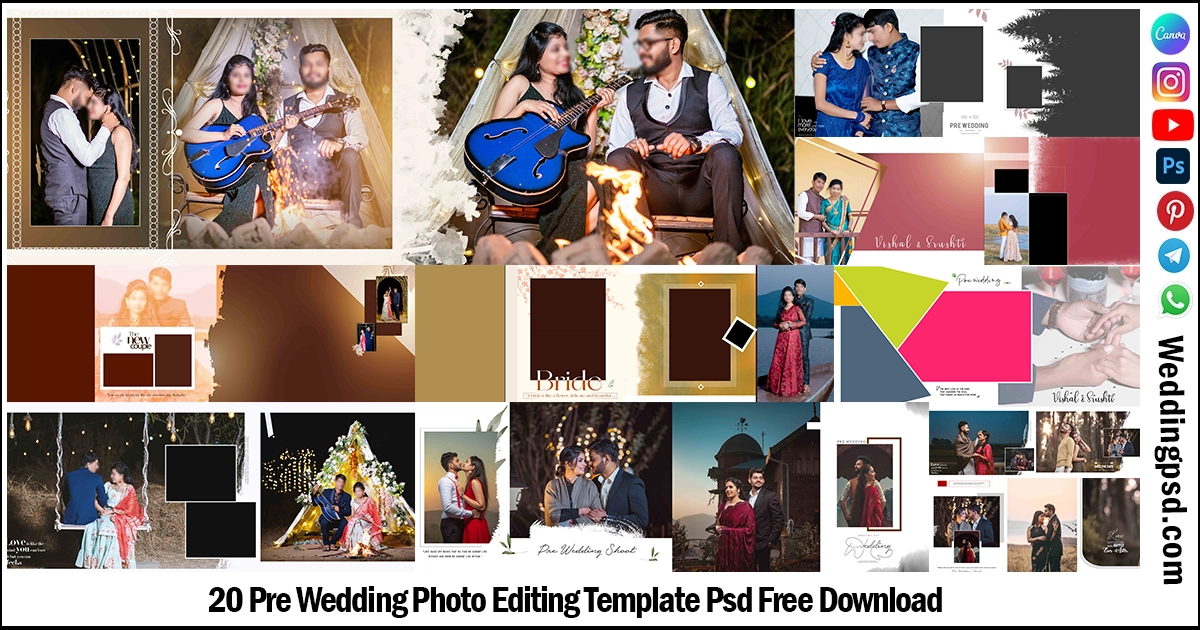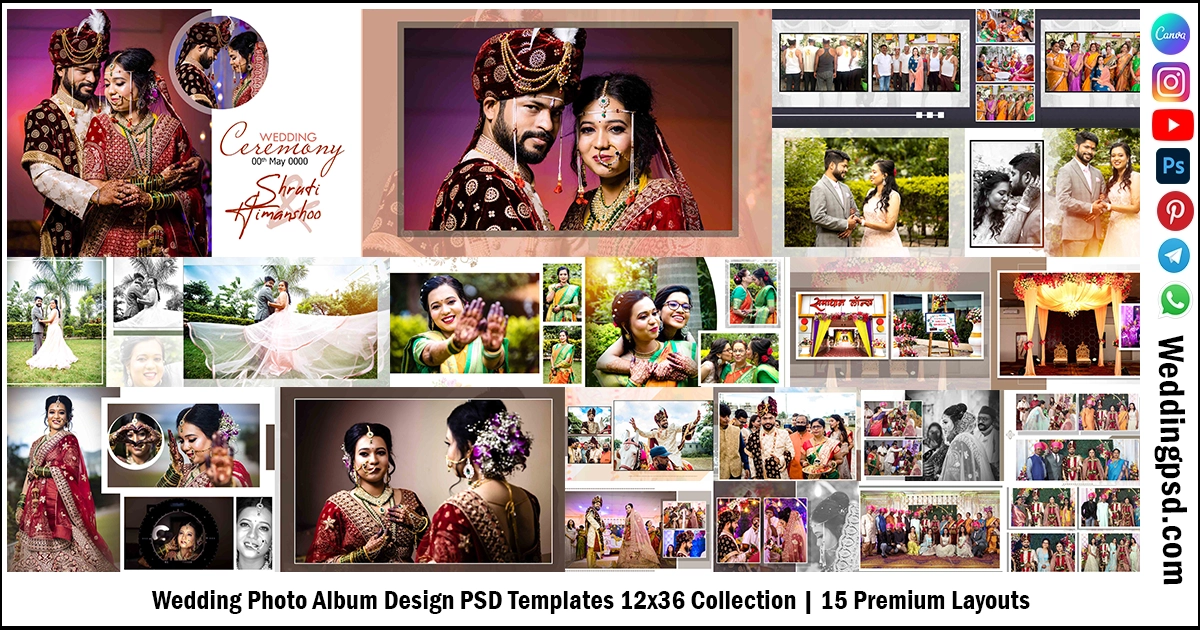
Download wedding photo album design psd templates 12×36 collection with 15 premium layouts. Fully editable PSD files for Photoshop. High resolution, print ready, easy to customize designs.
Wedding photo album design psd templates 12×36 collection is perfect for designers who want fast and professional album layouts. If you are searching for wedding photo album design psd templates 12×36 collection for Photoshop, you are at the right place.
Many wedding photographers in India prefer 12×36 album size. It gives a wide panoramic look. It also fits modern wedding storytelling style. With this wedding photo album design psd templates 12×36 collection, you can design faster and deliver albums on time.
You get fully layered PSD files. You can edit text, change background, add your images, and adjust colors in minutes. These templates save your time. They improve your workflow. They help you impress your clients.
You can use this wedding photo album design psd templates 12×36 collection for Hindu wedding, Muslim wedding, Christian wedding, engagement, pre wedding, and reception albums.
Wedding Photo Album Design PSD Templates 12×36 Collection, 15 Premium and Print Ready Layouts
Creative Wedding Album PSD With Cover Page Free Download templates come with:
| Volume | 2026-V4 |
| Standard sizes | 12×36 |
| DPI | 300 DPI |
| Color | CMYK color |
| Editiable | Fully Editiable & customizable |
| Album | Wedding Album Sheet, Cover Page |
| Download | Direct Download |
In this post you will get the creative and new wedding album PSD set with cover and these Wedding Album Design PSD are created in 300 DPI resolution quality. These types of album design templates are mostly useful for album designers and photo studios. Below I have provided so many PSD files. I hope you like this, so let’s see these PSD templates.
1. Creative Wedding Cover Page PSD 12×36 Design Free Download.
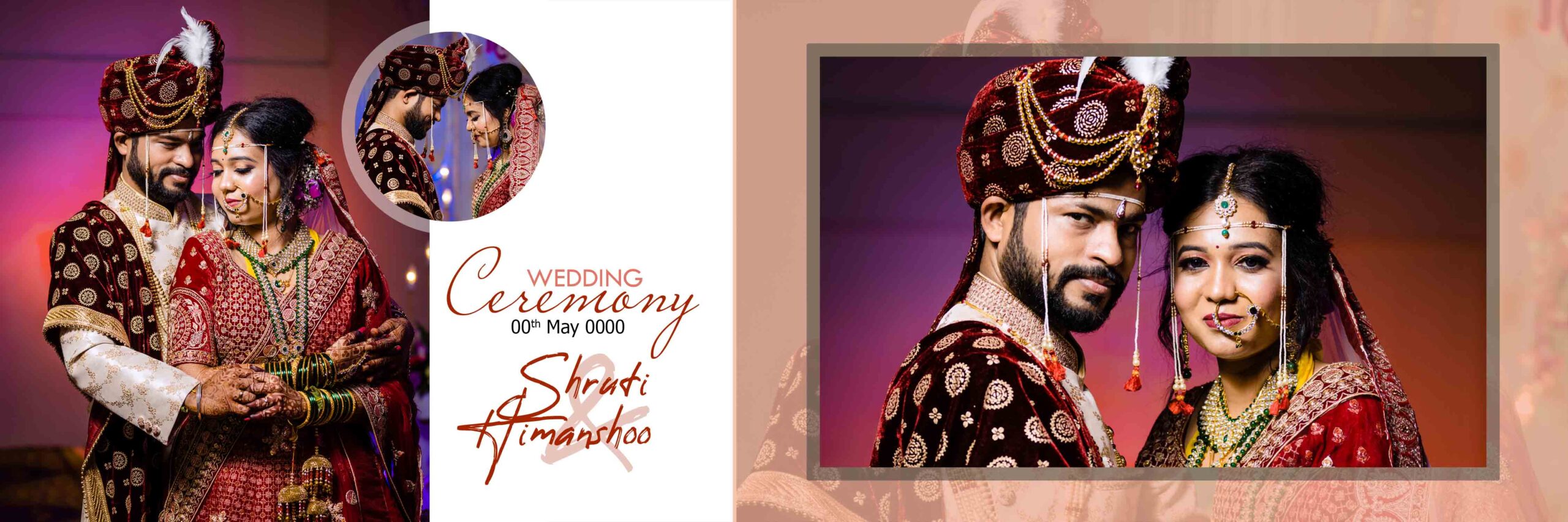
2. Creative Wedding Album PSD 12×36 Design Free Download.
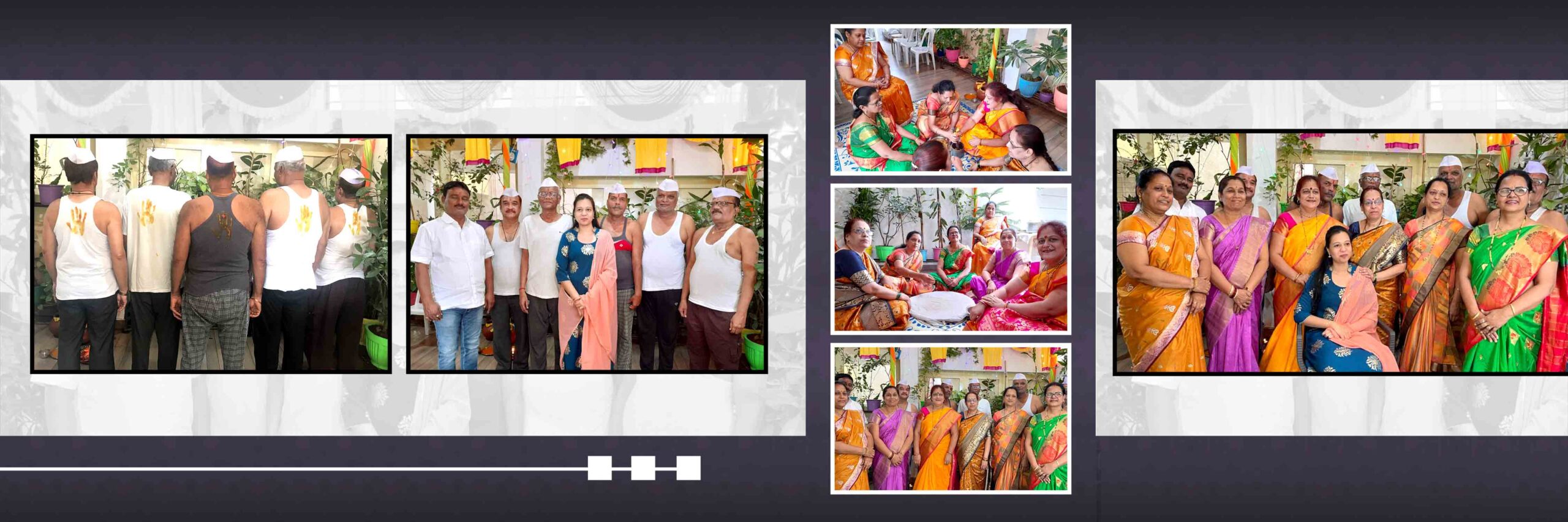
3. Creative Wedding Album PSD 12×36 Design Free Download.
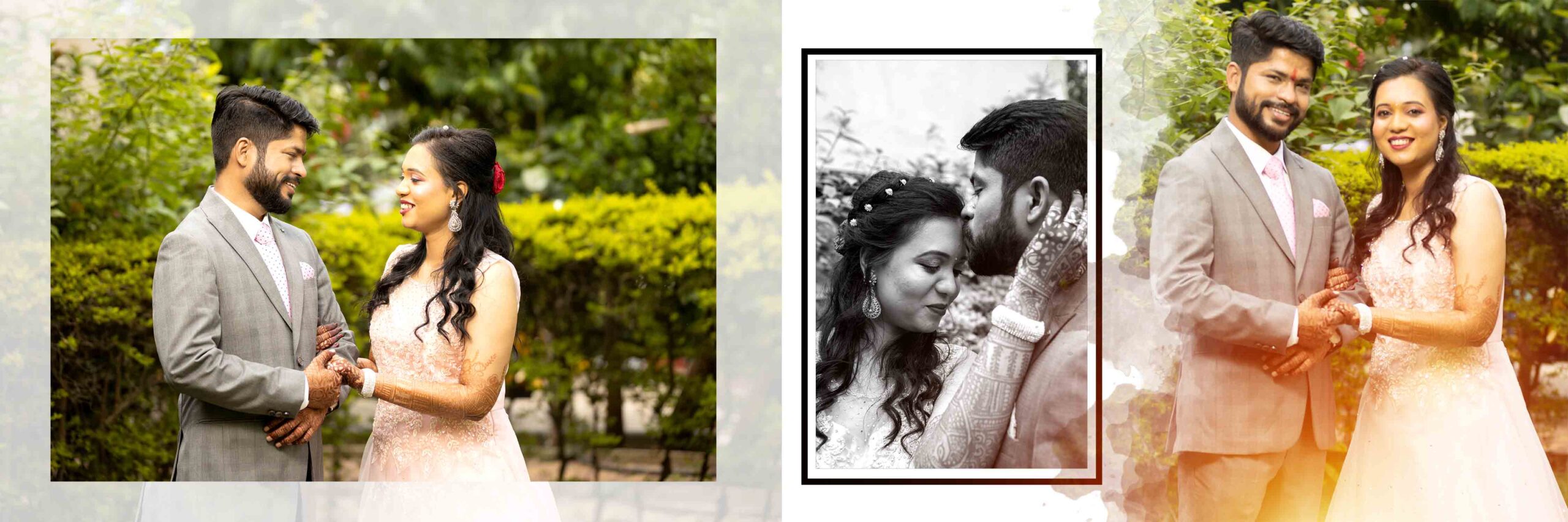
4. Creative Wedding Album PSD 12×36 Design Free Download.
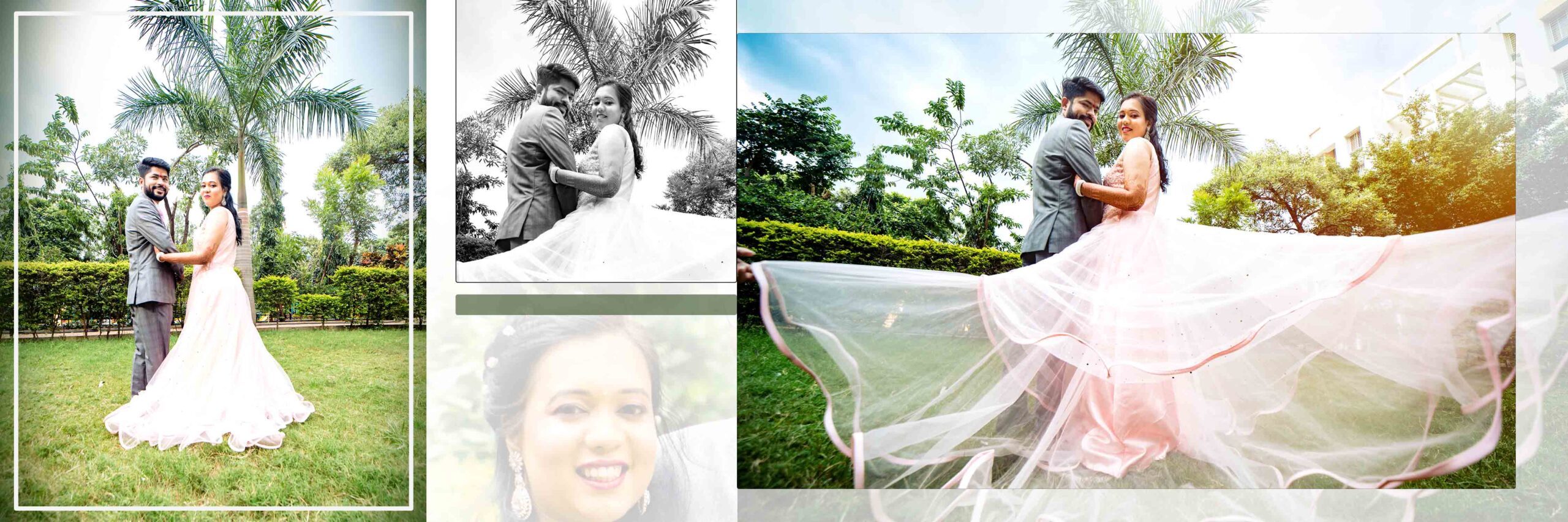
5. Creative Wedding Album PSD 12×36 Design Free Download.
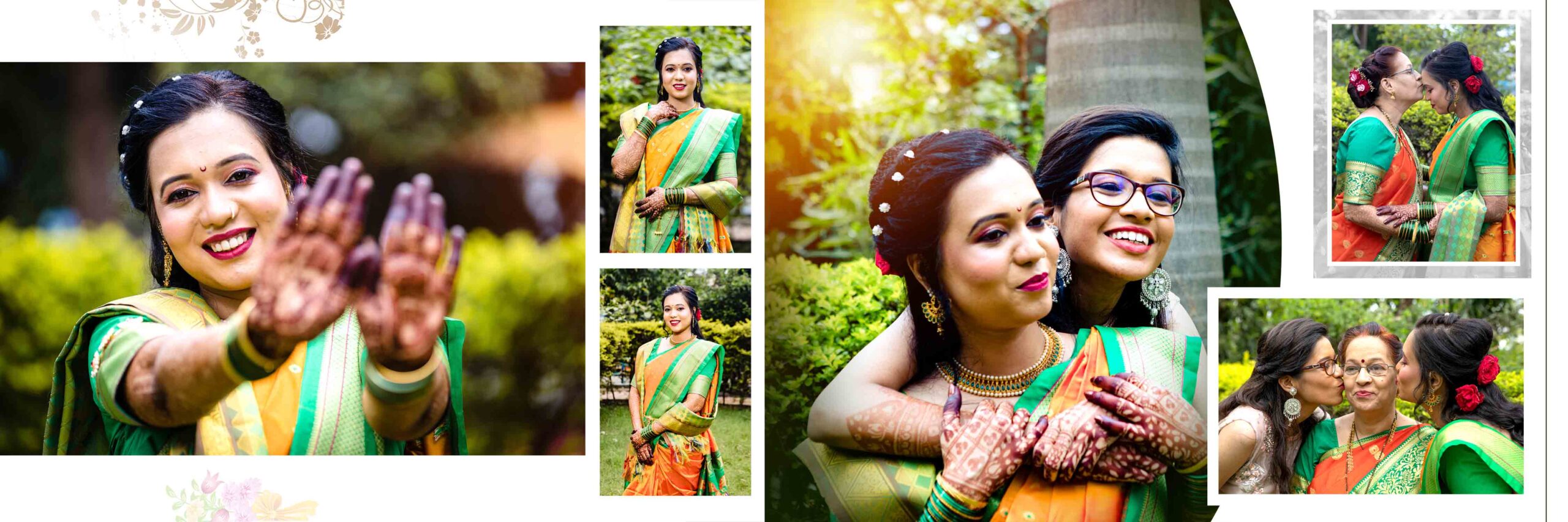
6. Creative Wedding Album PSD 12×36 Design Free Download.
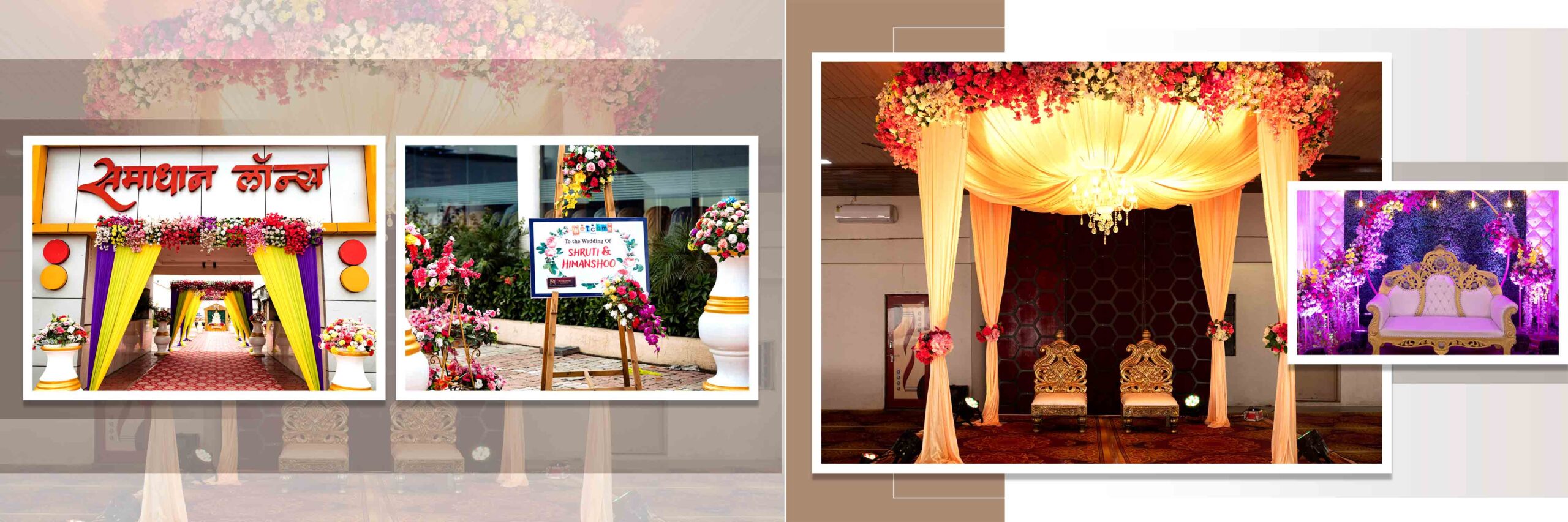
7. Creative Wedding Album PSD 12×36 Design Free Download.
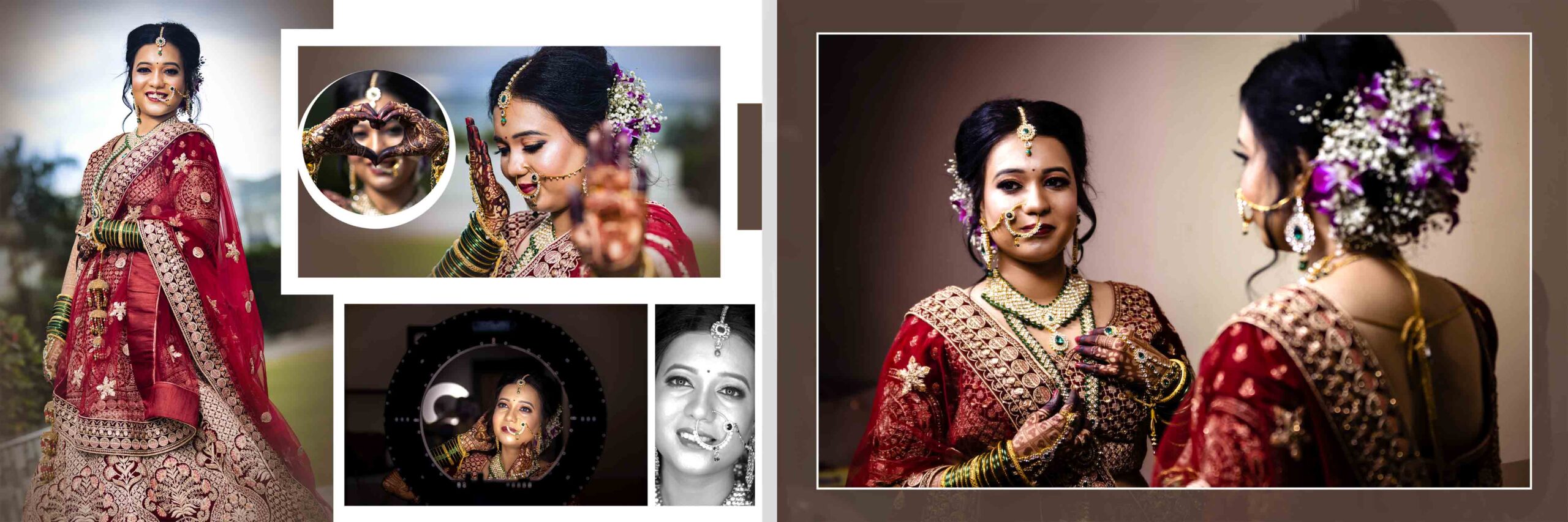
8. Creative Wedding Album PSD 12×36 Design Free Download.
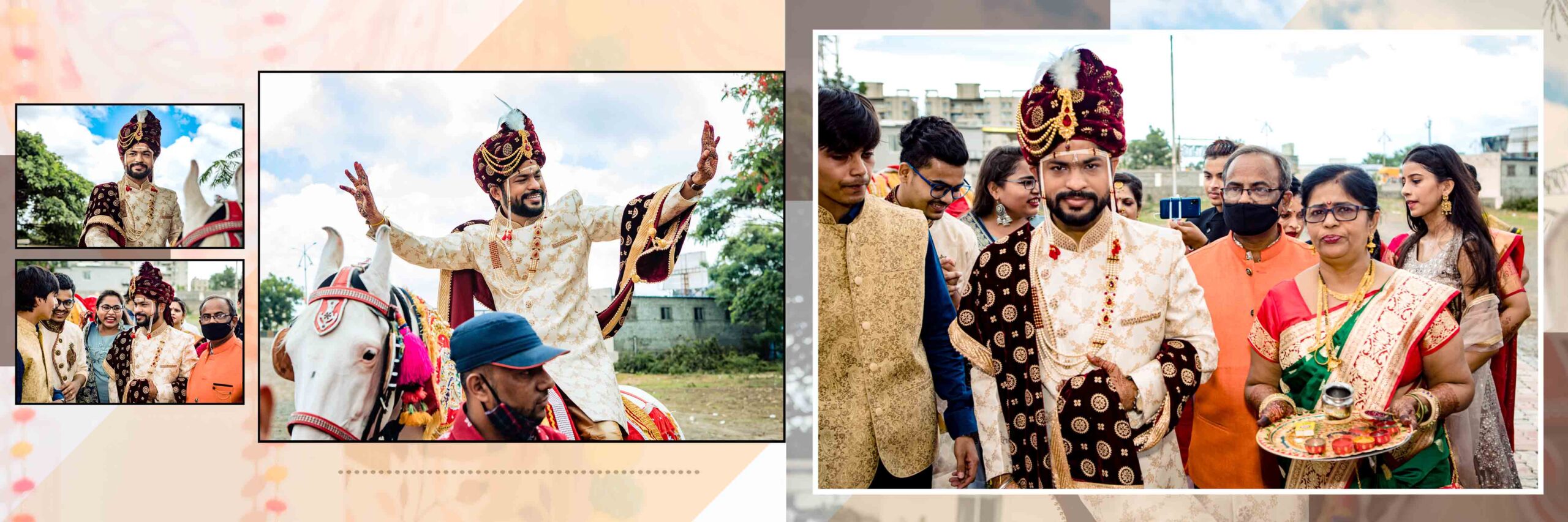
9. Creative Wedding Album PSD 12×36 Design Free Download.
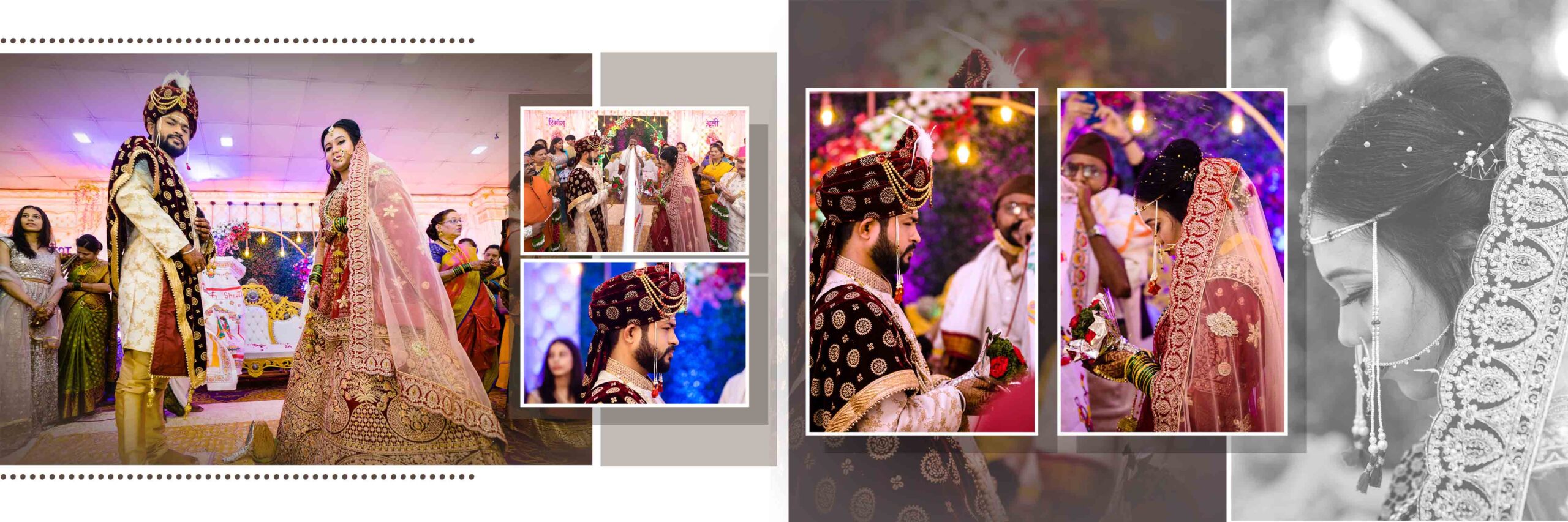
10. Creative Wedding Album PSD 12×36 Design Free Download.
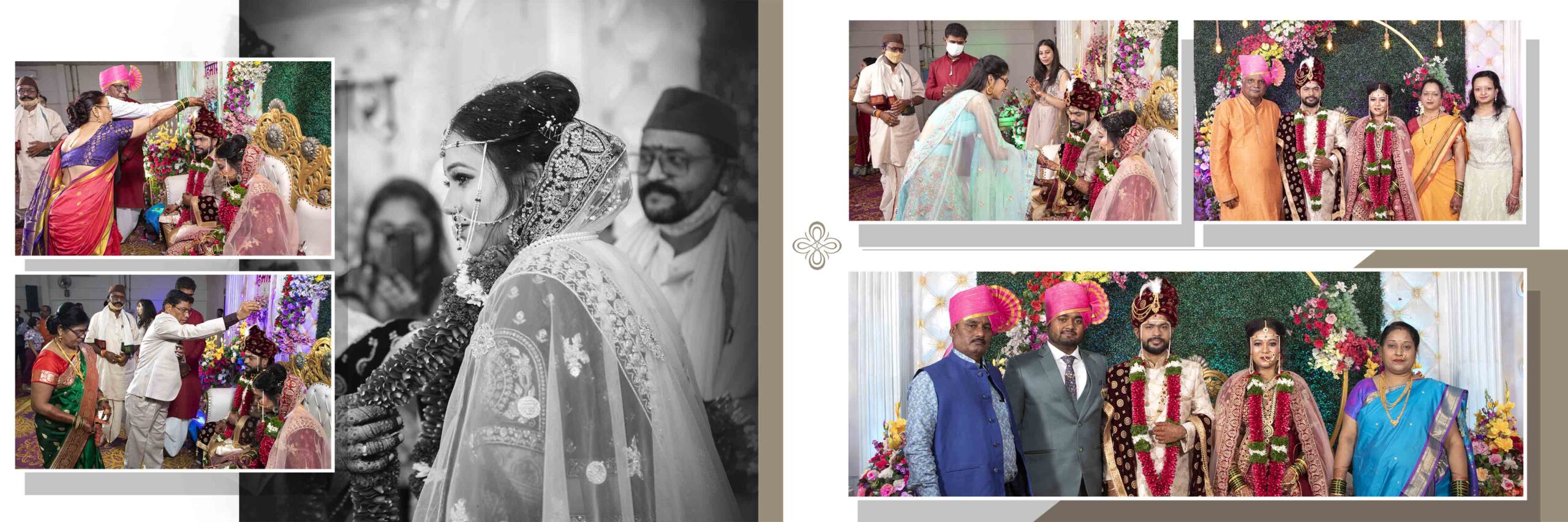
11. Creative Wedding Album PSD 12×36 Design Free Download.
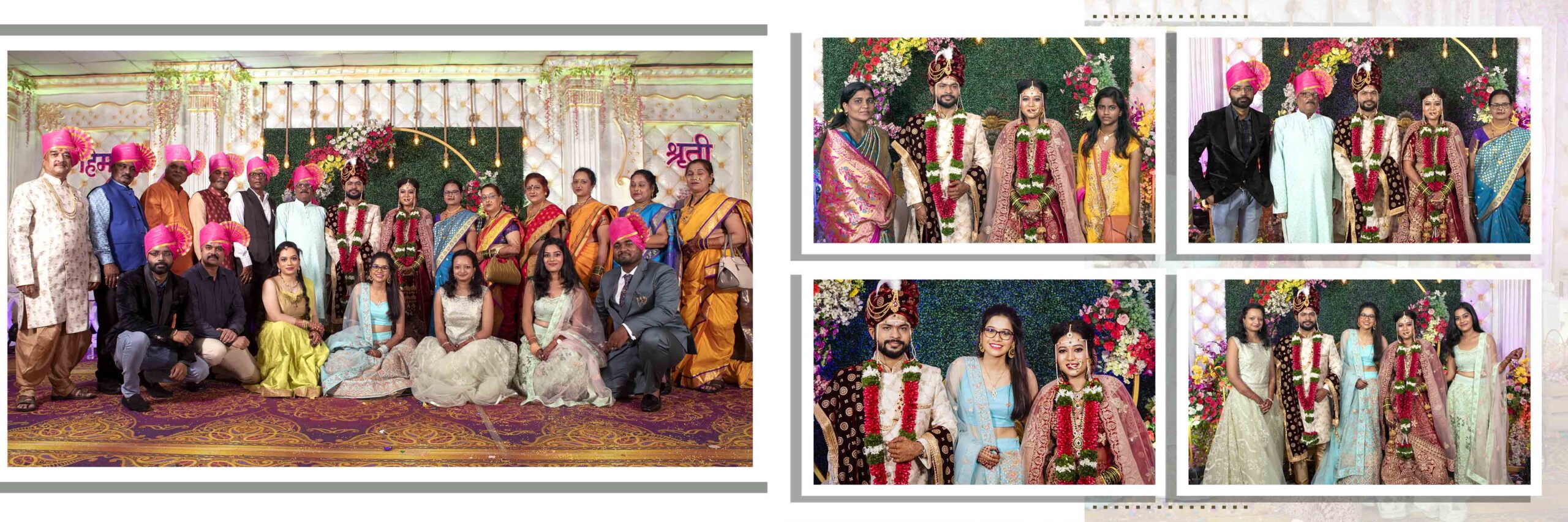
12. Creative Wedding Album PSD 12×36 Design Free Download.
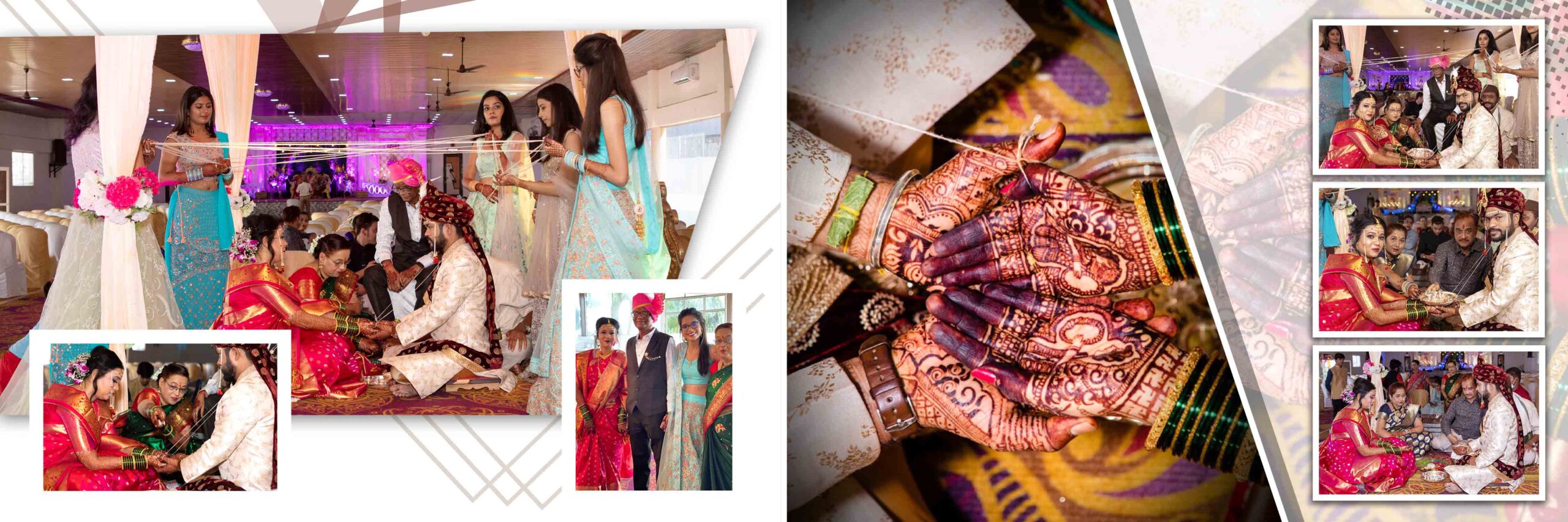
13. Creative Wedding Album PSD 12×36 Design Free Download.
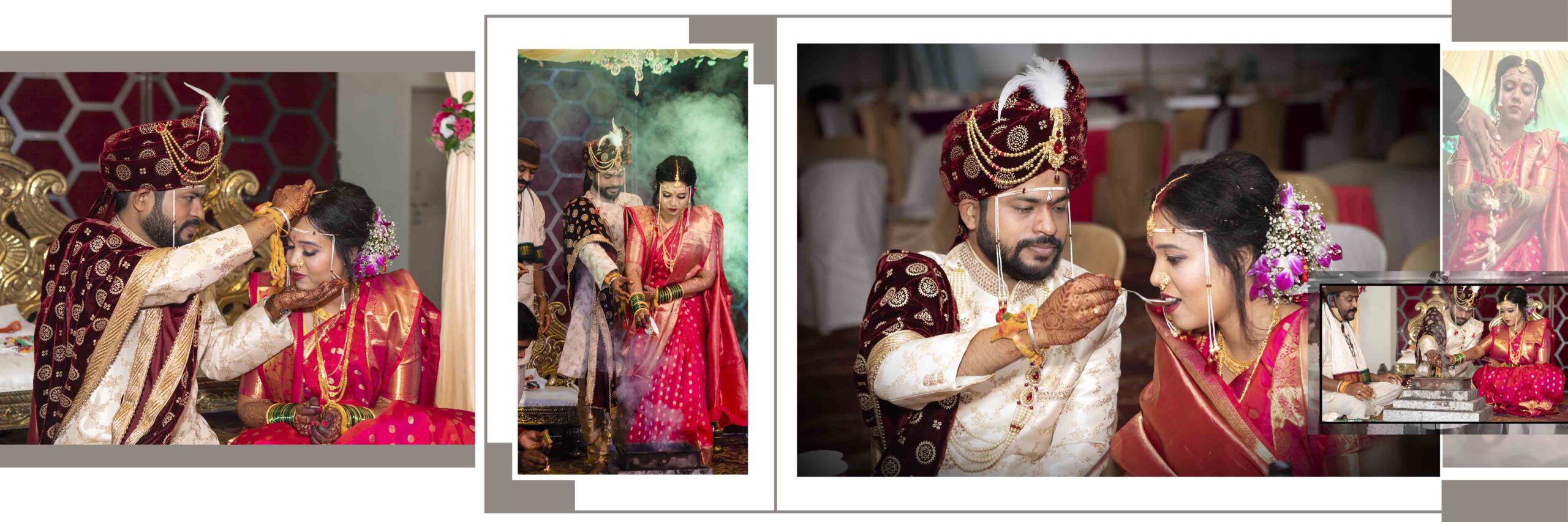
14. Creative Wedding Album PSD 12×36 Design Free Download.
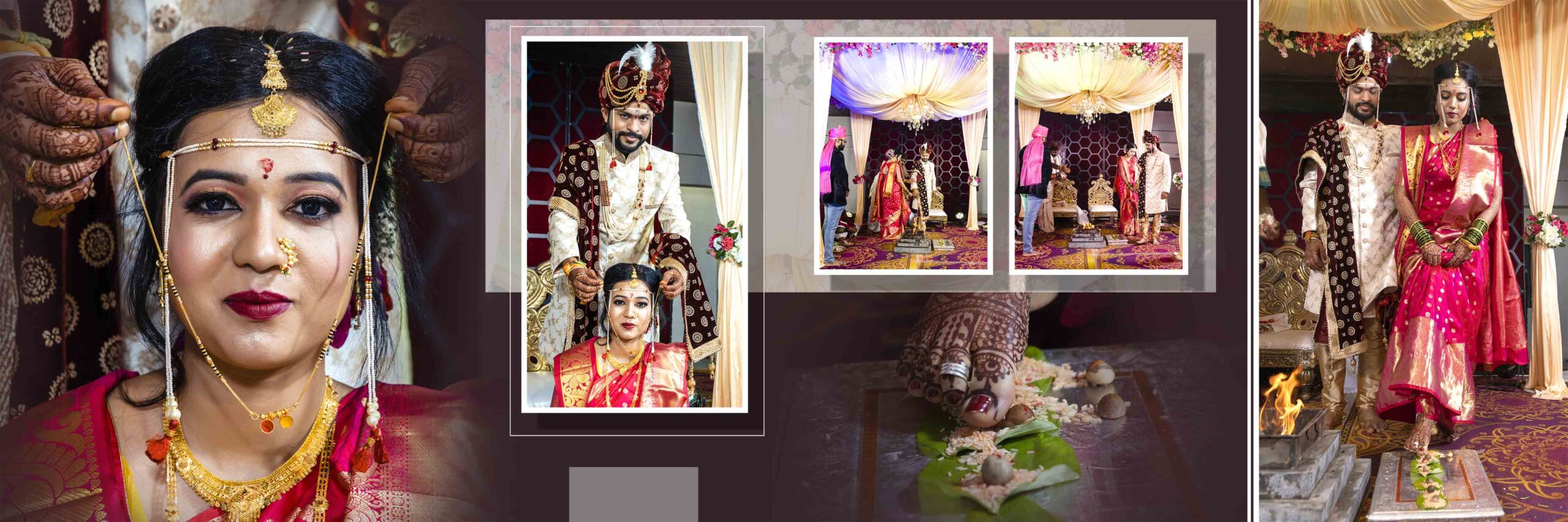
15. Creative Wedding Album PSD 12×36 Design Free Download.
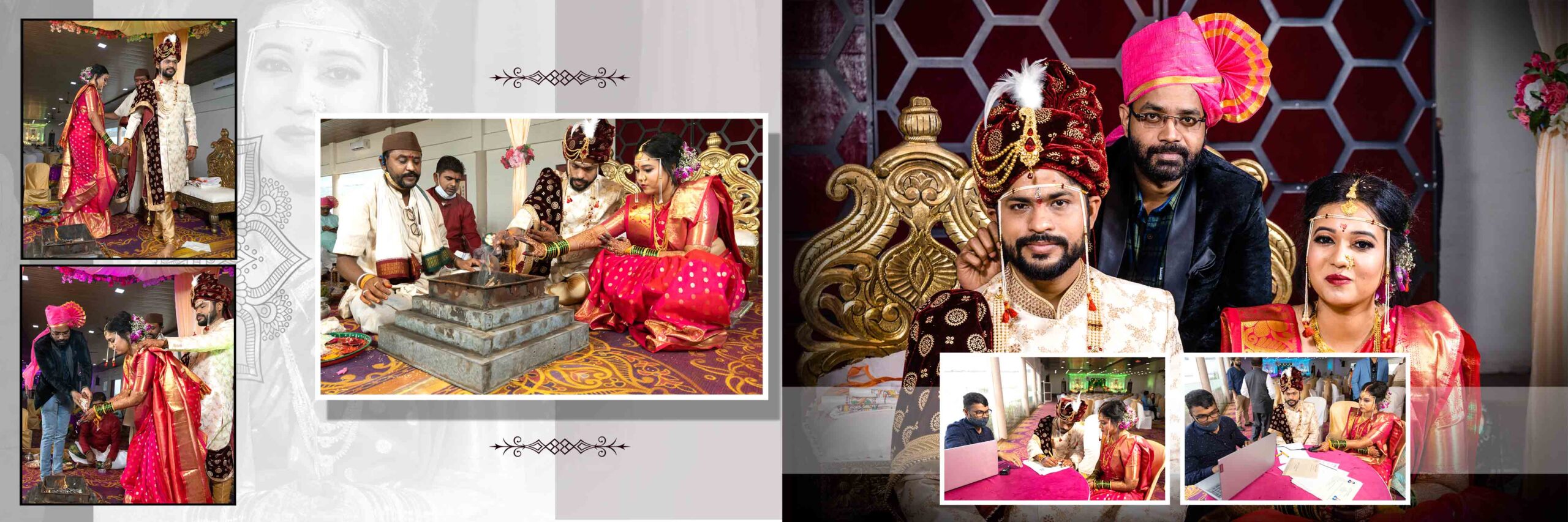
What is Wedding Templates
Wedding templates are ready made design layouts. Designers create them in Photoshop. You get PSD files with layers.
Wedding photo album design psd templates 12×36 collection is a set of such ready layouts. You just add your client photos. You adjust text and colors. Your album design becomes ready.
These templates help you:
• Save time
• Maintain design consistency
• Deliver projects faster
• Increase client satisfaction
How to Download Wedding PSD
Follow these steps to download wedding photo album design psd templates 12×36 collection:
- Click on the download button.
- Complete required action if any.
- Download ZIP file to your computer.
- Save it in a separate album design folder.
Always download from trusted website. You can also link internally to your Wedding Album PSD category page.
How to Un Zip PSD Files
After downloading wedding photo album design psd templates 12×36 collection, you get a ZIP file.
Steps to extract:
- Right click on ZIP file.
- Click on Extract Here or Extract Files.
- Open extracted folder.
- Check all PSD files.
Now your wedding photo album design psd templates 12×36 collection is ready to use.
How to Use Wedding PSD Files
Open Adobe Photoshop.
Steps to design using wedding photo album design psd templates 12×36 collection:
- Open PSD file.
- Go to smart object layer.
- Double click on photo layer.
- Place your client image.
- Press Ctrl plus S to save.
- Close smart object window.
Repeat this process for all pages.
You can also:
• Adjust brightness and contrast
• Add cinematic color tone
• Add custom fonts
• Add couple name and wedding date
This wedding photo album design psd templates 12×36 collection works well for both beginners and professional designers.
How to Save Wedding PSD
After editing wedding photo album design psd templates 12×36 collection, save properly.
Steps:
- Click on File
- Select Save As
- Choose JPEG or TIFF
- Keep quality at maximum
- Make sure CMYK mode is selected
Always save a PSD backup file. It helps you edit later if client asks changes.
FAQ Section:
Q1. What is the size of wedding photo album design psd templates 12×36 collection
It is 12×36 inch standard size. It gives wide panoramic layout.
Q2. Can I edit wedding photo album design psd templates 12×36 collection in any software
You need Adobe Photoshop. PSD format works best in Photoshop.
Q3. Is wedding photo album design psd templates 12×36 collection print ready
Yes. Files come in 300 DPI and CMYK mode.
Q4. Can beginners use wedding photo album design psd templates 12×36 collection
Yes. Smart objects make editing simple.
Q5. How many pages are included in wedding photo album design psd templates 12×36 collection
It depends on pack. Most collections offer 20 to 30 layouts.
Q6. Can I use wedding photo album design psd templates 12×36 collection for commercial projects
Yes. You can use for your client album design projects.
Wedding photo album design psd templates 12×36 collection helps you design faster and better. You save time. You improve quality. You deliver professional albums to your clients.
If you design wedding albums regularly, this wedding photo album design psd templates 12×36 collection is a smart investment. It increases your productivity. It helps you handle more clients without stress. Download now and start creating premium 12×36 wedding albums.
Thank you so much for visiting our weddingpsd.com. We are truly grateful for your support and the time you took to visit our site. Your appreciation inspires us to create and share more beautiful, high-quality designs. We are always working on new and unique templates to make your album even more special. Don’t forget to bookmark our page and come back often — there’s always something new waiting for you! Happy designing, and we look forward to seeing you again soon.