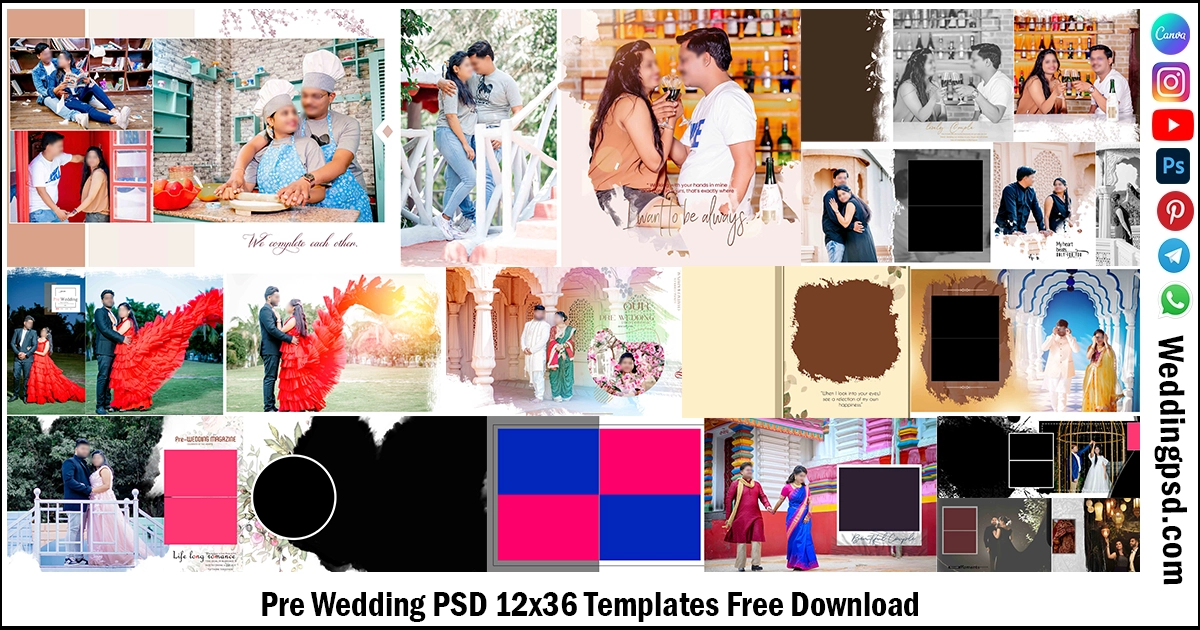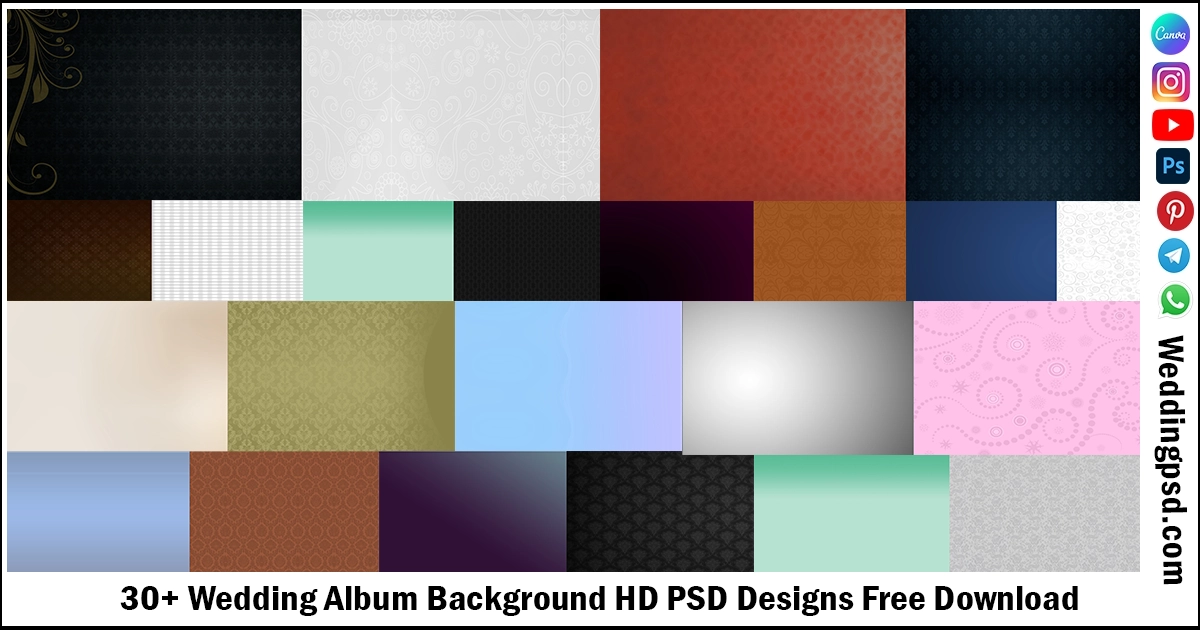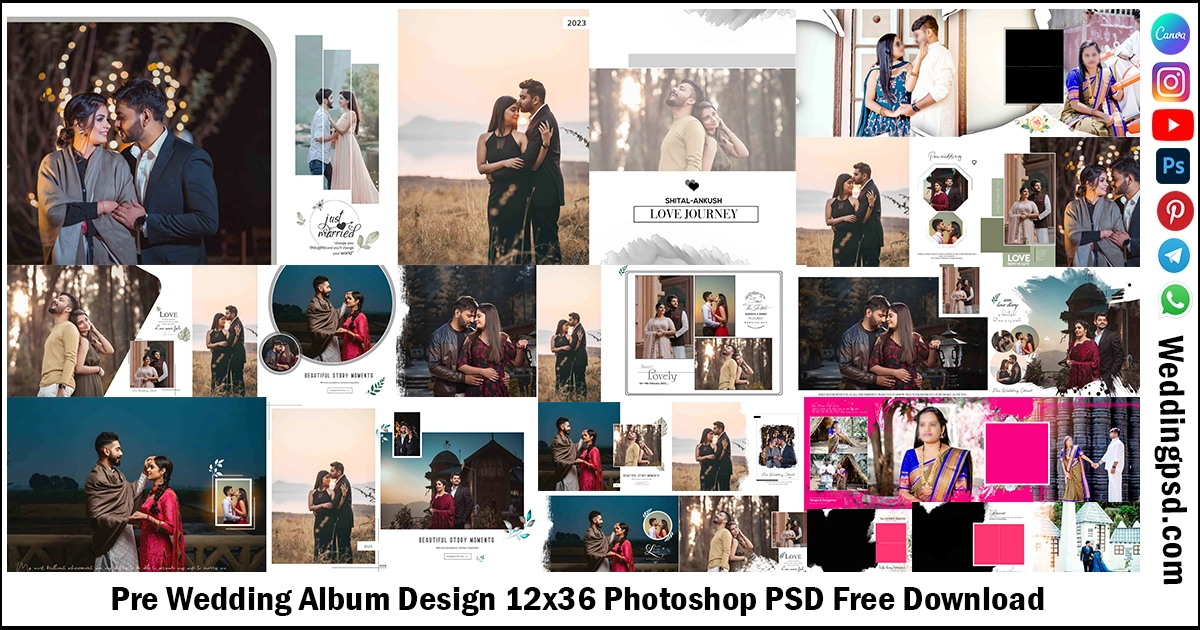
Download the best Pre Wedding Album Design PSD templates. Get high quality, fully editable Photoshop album layouts with 300 DPI resolution for photographers and designers.
Pre Wedding Album Design is the perfect way to showcase a couple’s beautiful journey before their wedding day. If you are searching for a professional Pre Wedding Album Design, editable PSD templates, or creative album layout ideas, you have come to the right place. A well designed album helps photographers and designers present every special moment in a stylish and memorable way.
Our collection of Pre Wedding Album Design PSD templates includes modern, romantic, traditional, and luxury layouts that are fully editable in Adobe Photoshop. Each template comes with organized layers, Smart Objects, high resolution graphics, and 300 DPI print quality. You can quickly replace photos, edit text, change colors, and create a stunning album without starting from scratch.
Whether you are a professional wedding photographer, album designer, or studio owner, these templates help you save time while delivering premium results. Browse our collection, choose your favorite design, and create a beautiful pre wedding album that your clients will treasure for years.
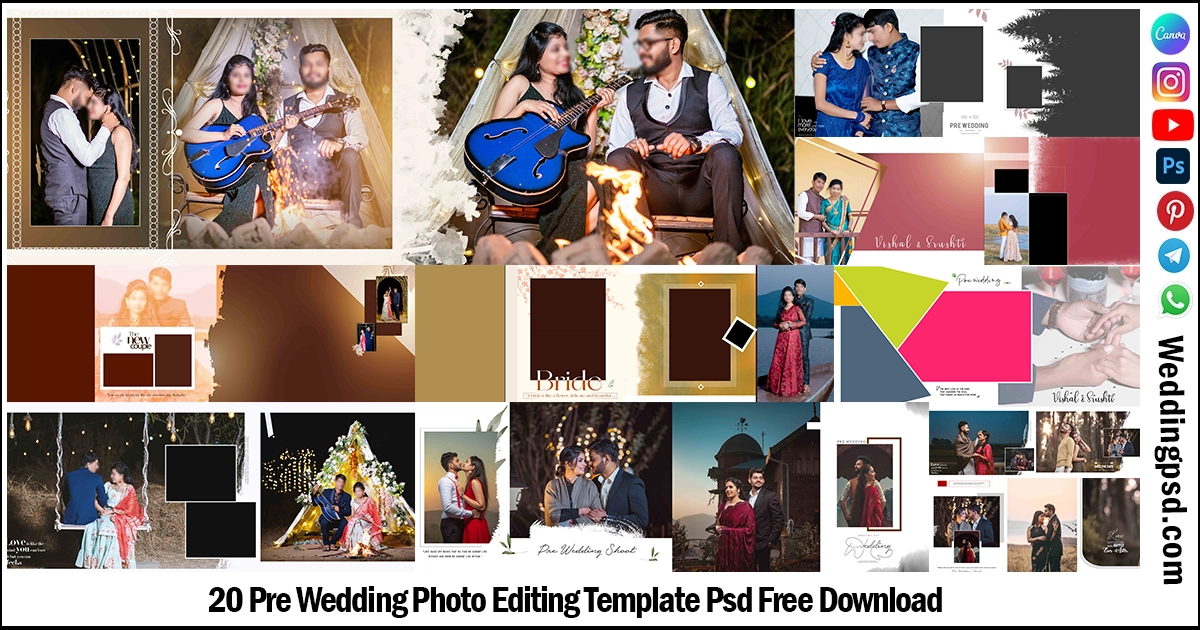
20 New Pre Wedding Album Design Photoshop PSD Free Download
Pre Wedding Album Design PSD Free Download templates come with:
| Volume | Pre Wedding-V6 |
| Standard sizes | 12×36 |
| DPI | 300 DPI |
| Color | CMYK color |
| Editiable | Fully Editiable & customizable |
| Album | Wedding Album Sheet |
| Download | Direct Download |
In this post you will get the creative and new pre wedding album PSD set and these Wedding Album Design PSD are created in 300 DPI resolution quality. These types of album design templates are mostly useful for album designers and photo studios. Below I have provided so many PSD files. I hope you like this, so let’s see these PSD templates.
1. Pre Wedding Album Design 12×36 PSD Templates Download.

2. Pre Wedding Album Design 12×36 PSD Templates Download.
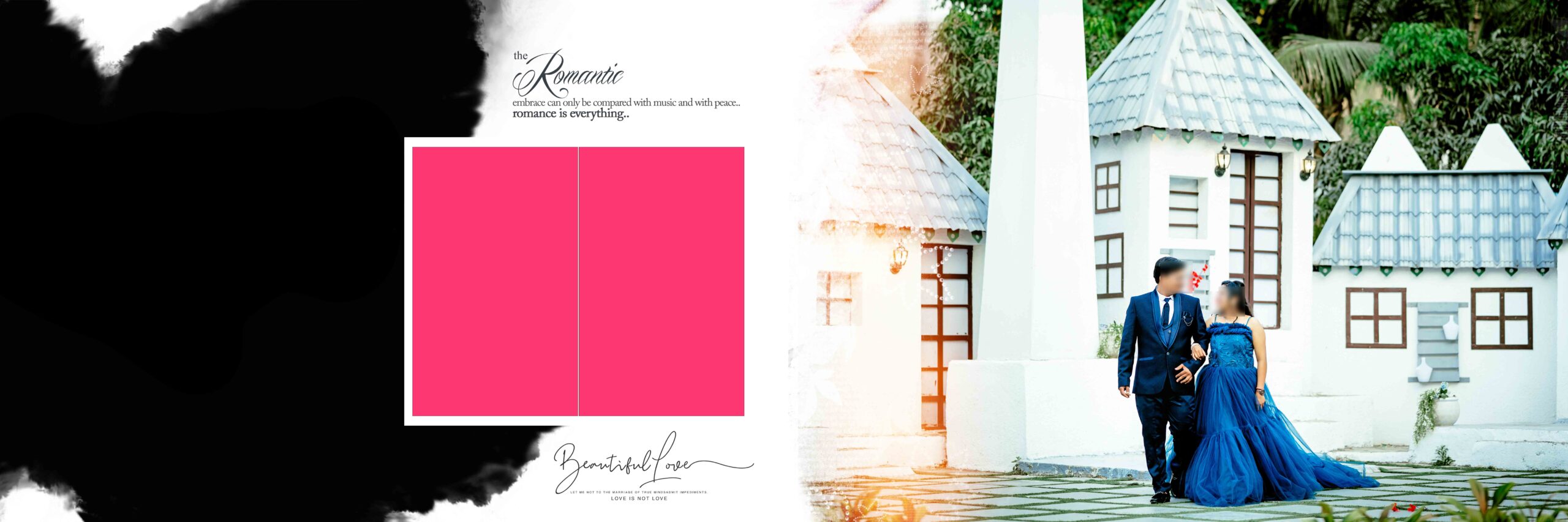
3. Pre Wedding Album Design 12×36 PSD Templates Download.
4. Pre Wedding Album Design 12×36 PSD Templates Download.
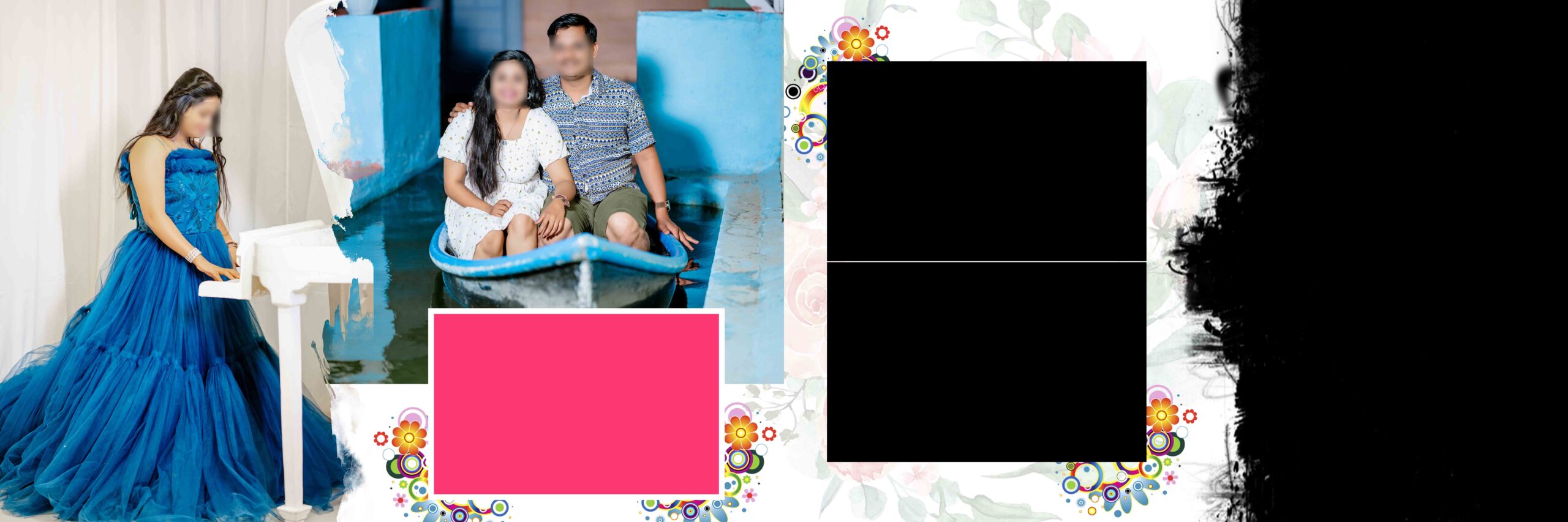
5. Pre Wedding Album Design 12×36 PSD Templates Download.

6. Pre Wedding Album Design 12×36 PSD Templates Download.
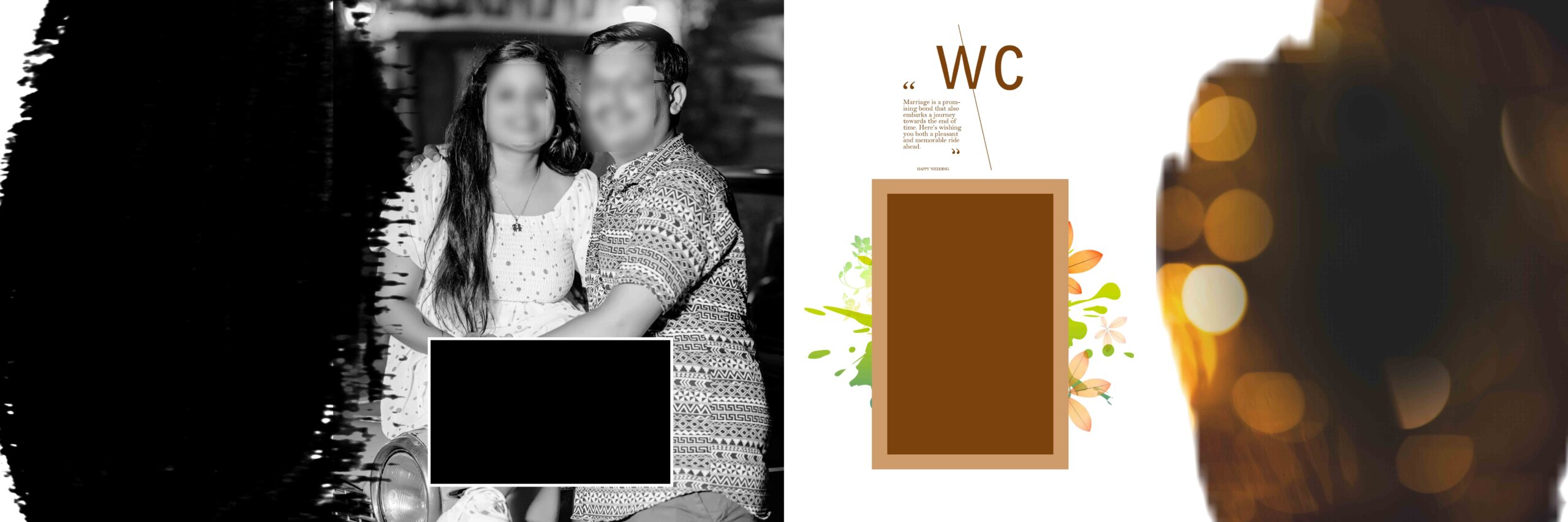
7. Pre Wedding Album Design 12×36 PSD Templates Download.
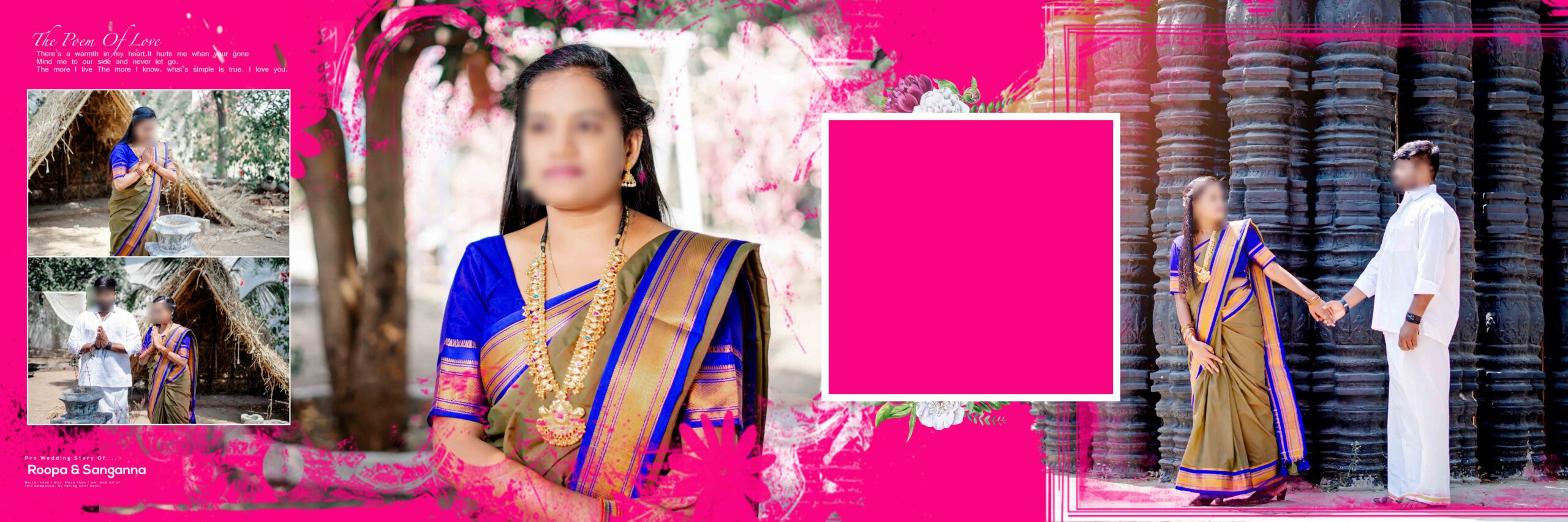
8. Pre Wedding Album Design 12×36 PSD Templates Download.
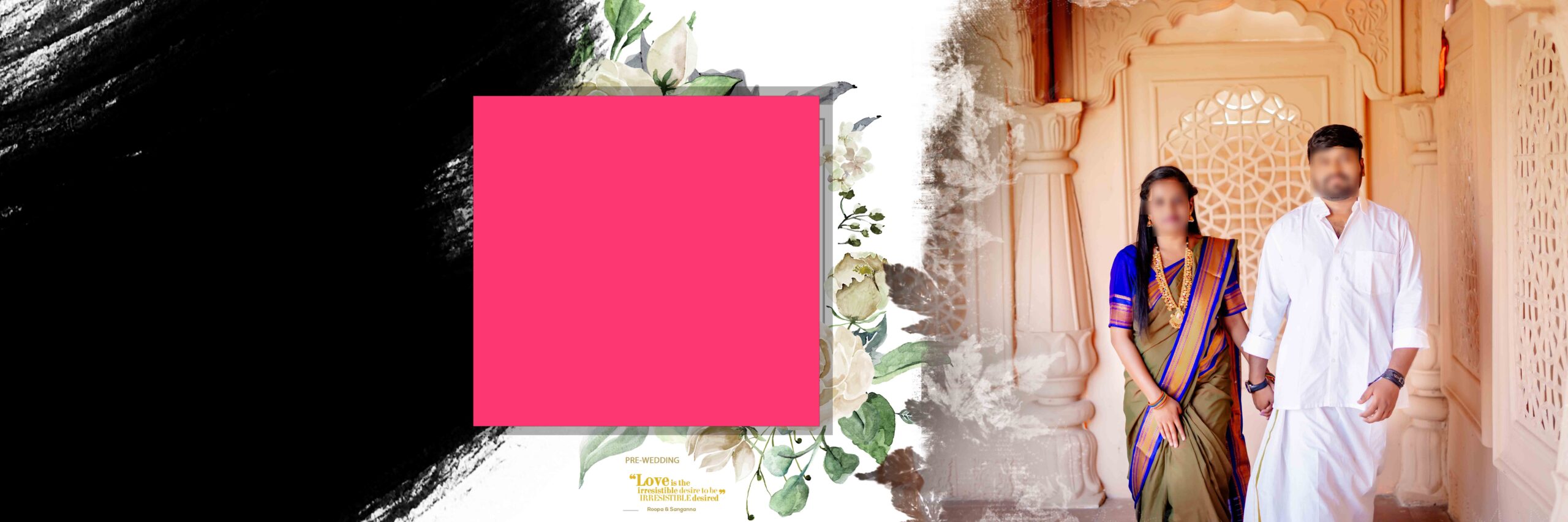
9. Pre Wedding Album Design 12×36 PSD Templates Download.
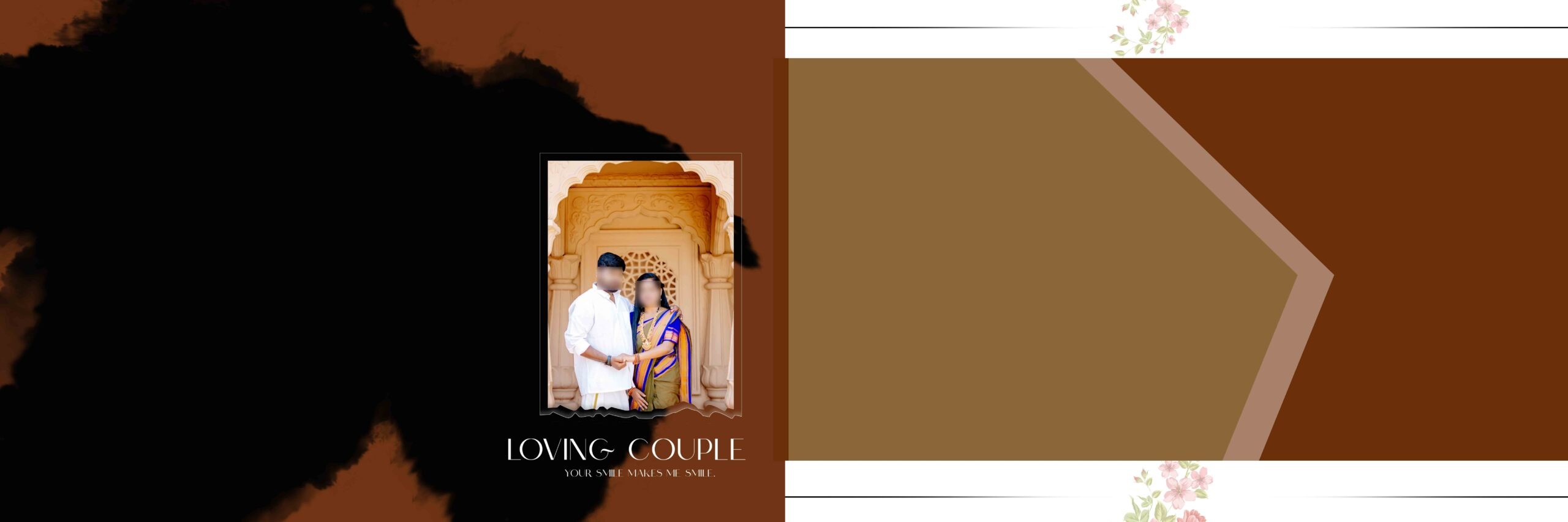
10. Pre Wedding Album Design 12×36 PSD Templates Download.
11. Pre Wedding Album Design 12×36 PSD Templates Download.

12. Pre Wedding Album Design 12×36 PSD Templates Download.
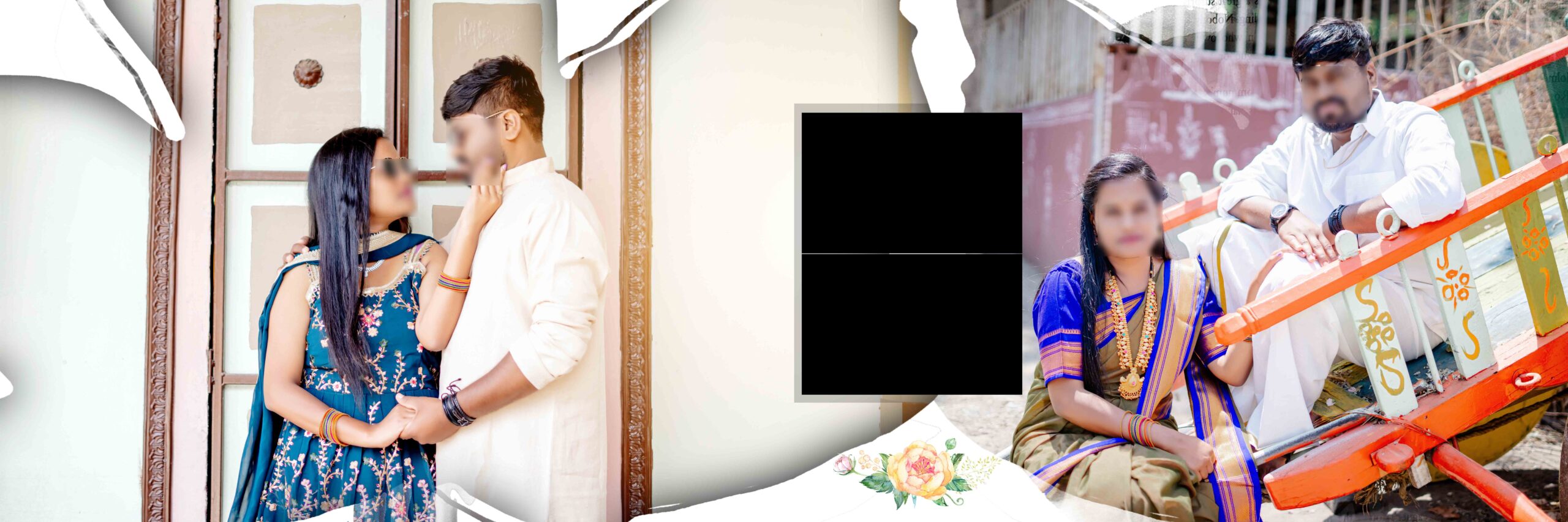
13. Pre Wedding Album Design 12×36 PSD Templates Download.
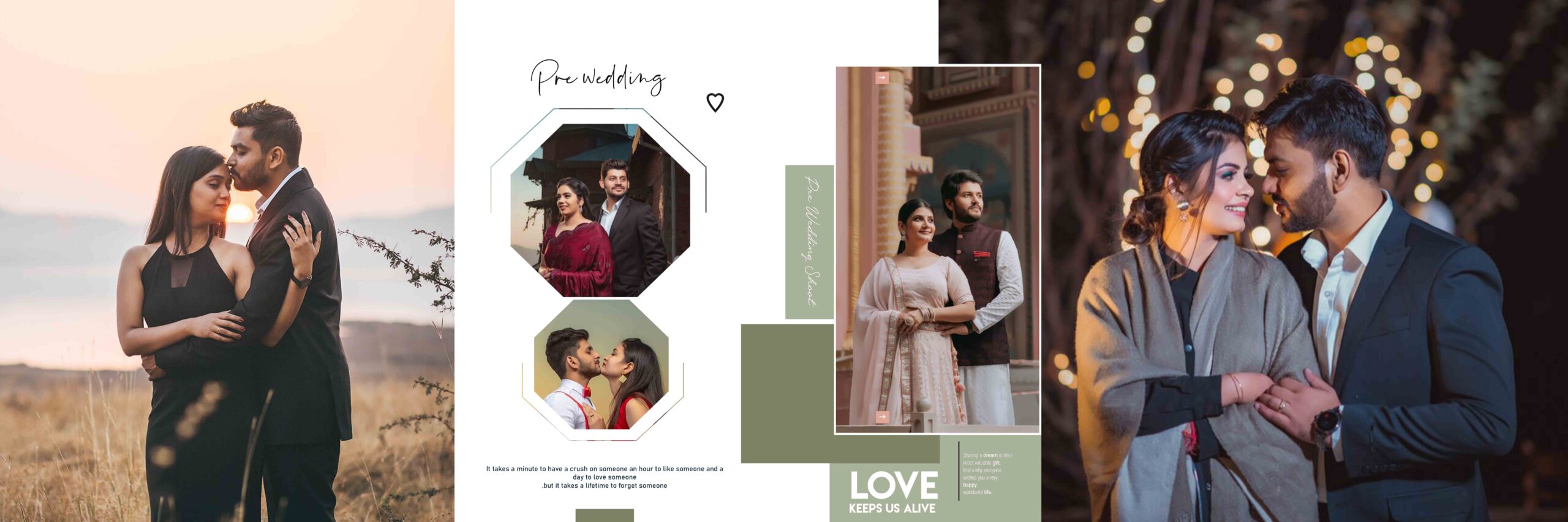
14. Pre Wedding Album Design 12×36 PSD Templates Download.
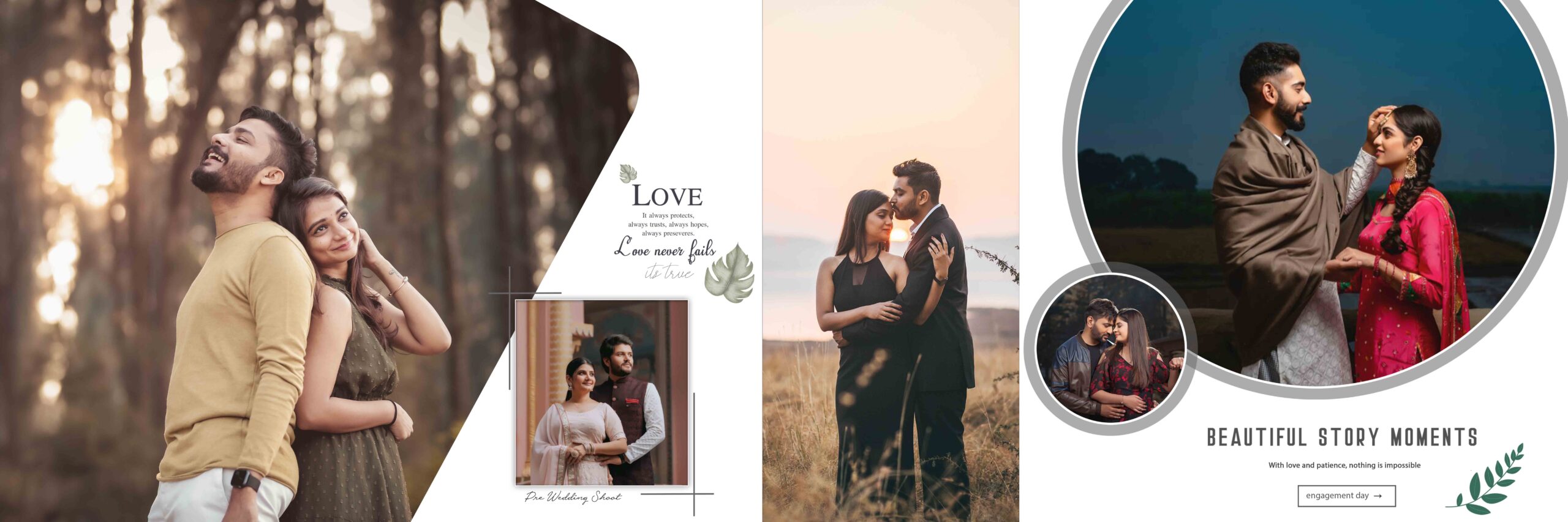
15. Pre Wedding Album Design 12×36 PSD Templates Download.
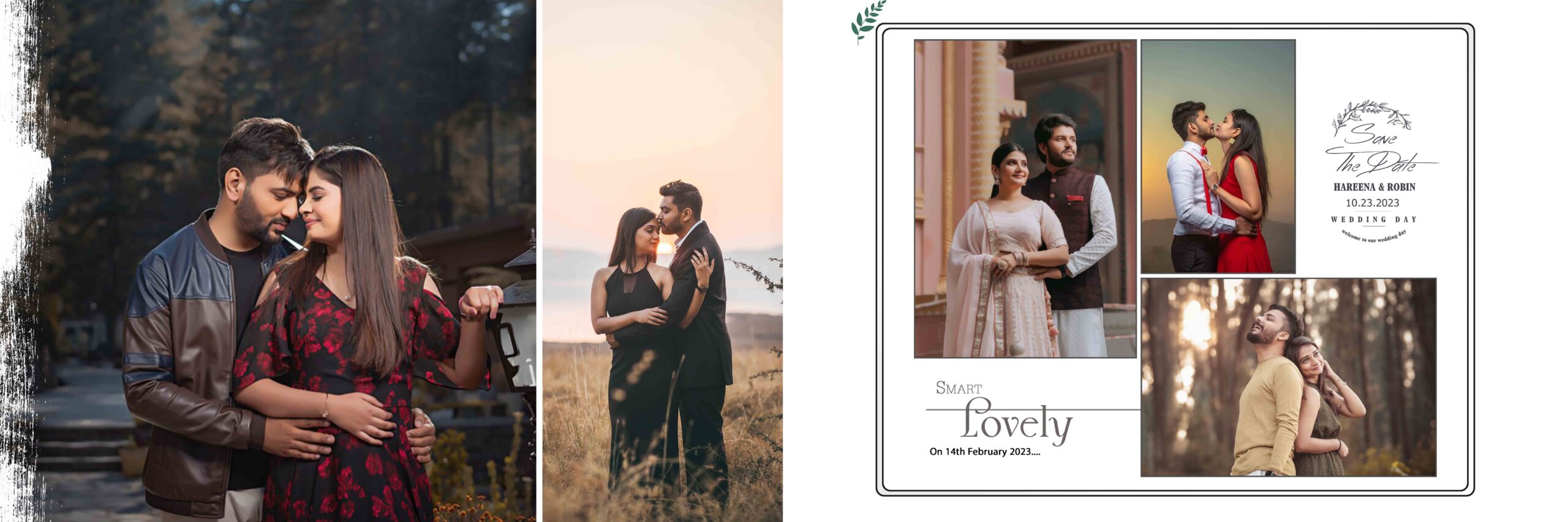
16. Pre Wedding Album Design 12×36 PSD Templates Download.
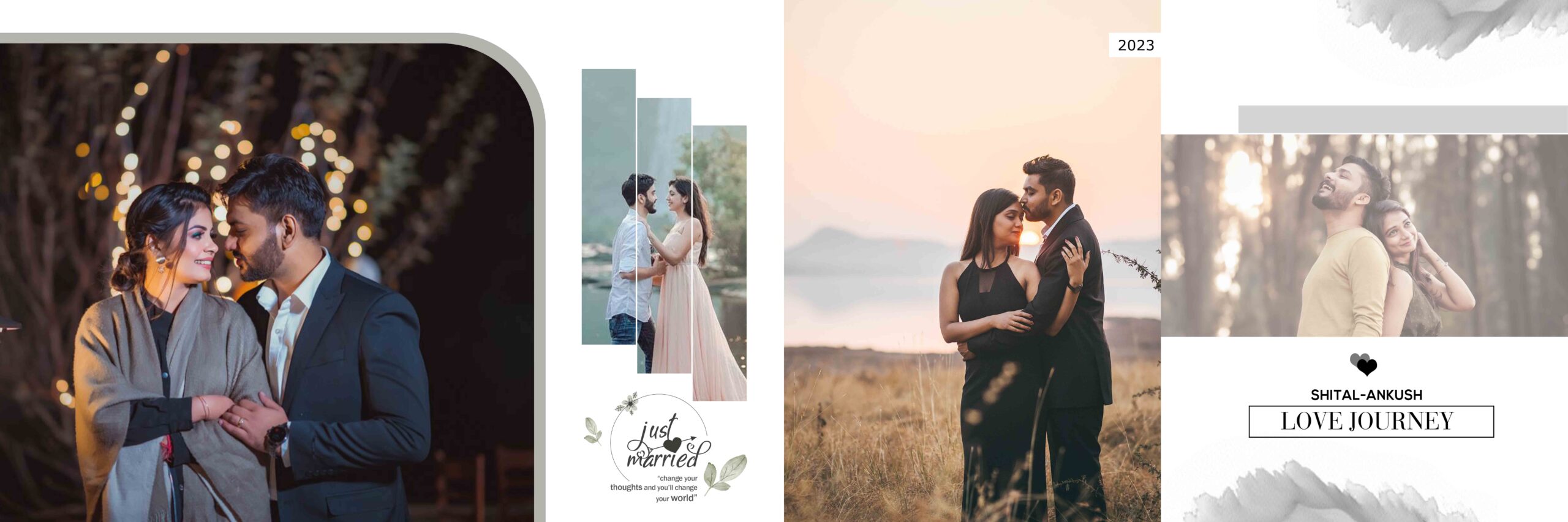
17. Pre Wedding Album Design 12×36 PSD Templates Download.
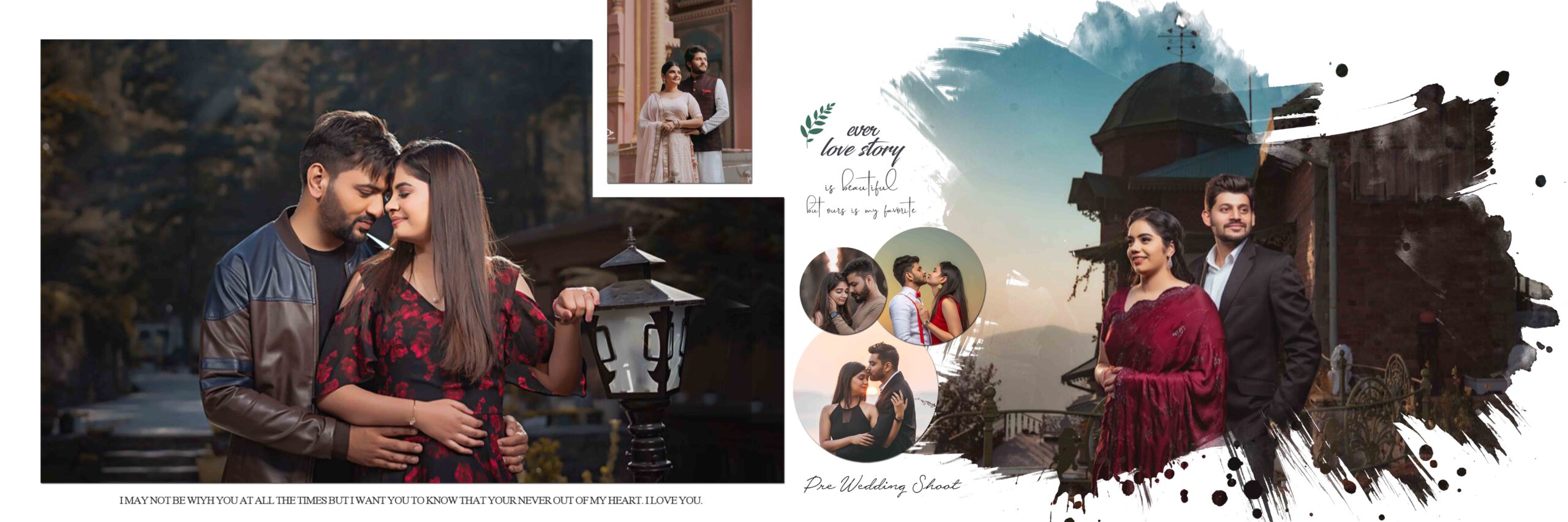
18. Pre Wedding Album Design 12×36 PSD Templates Download.
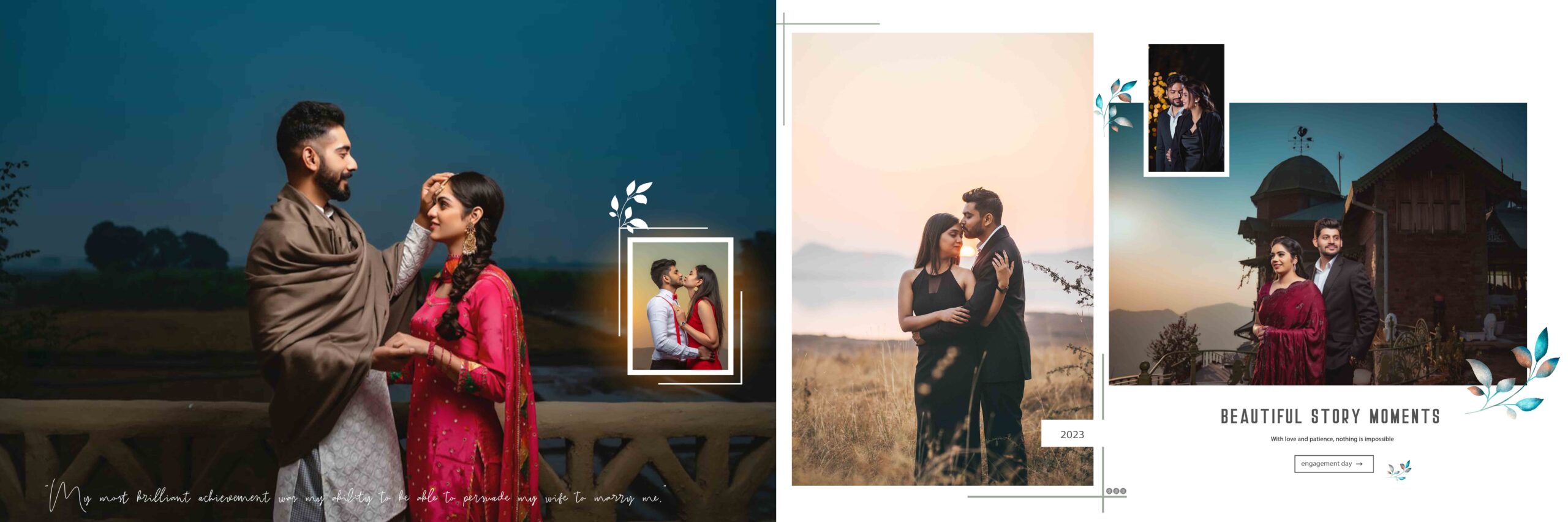
19. Pre Wedding Album Design 12×36 PSD Templates Download.
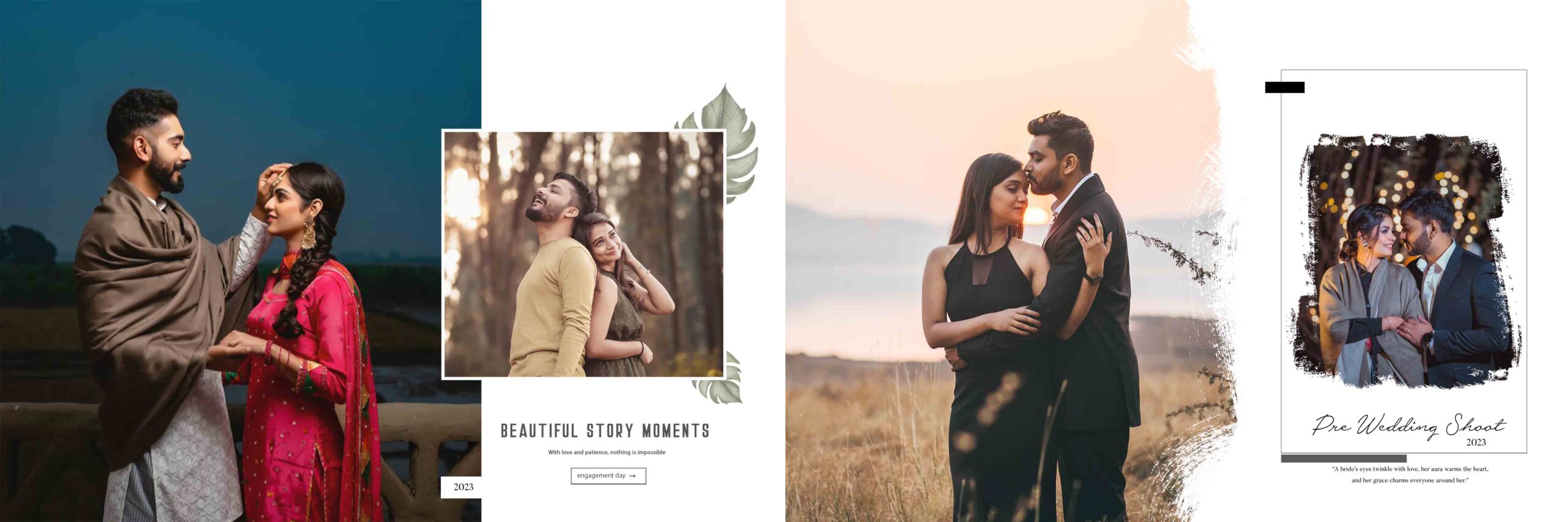
20. Pre Wedding Album Design 12×36 PSD Templates Download.
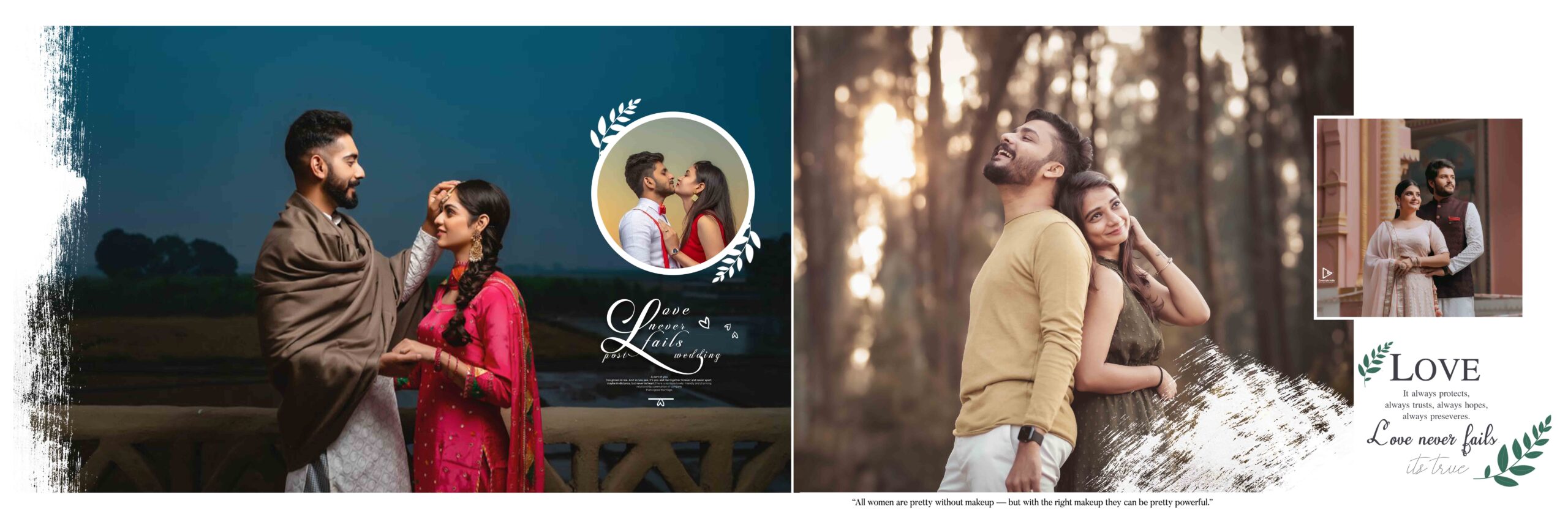
Ger more PSD:
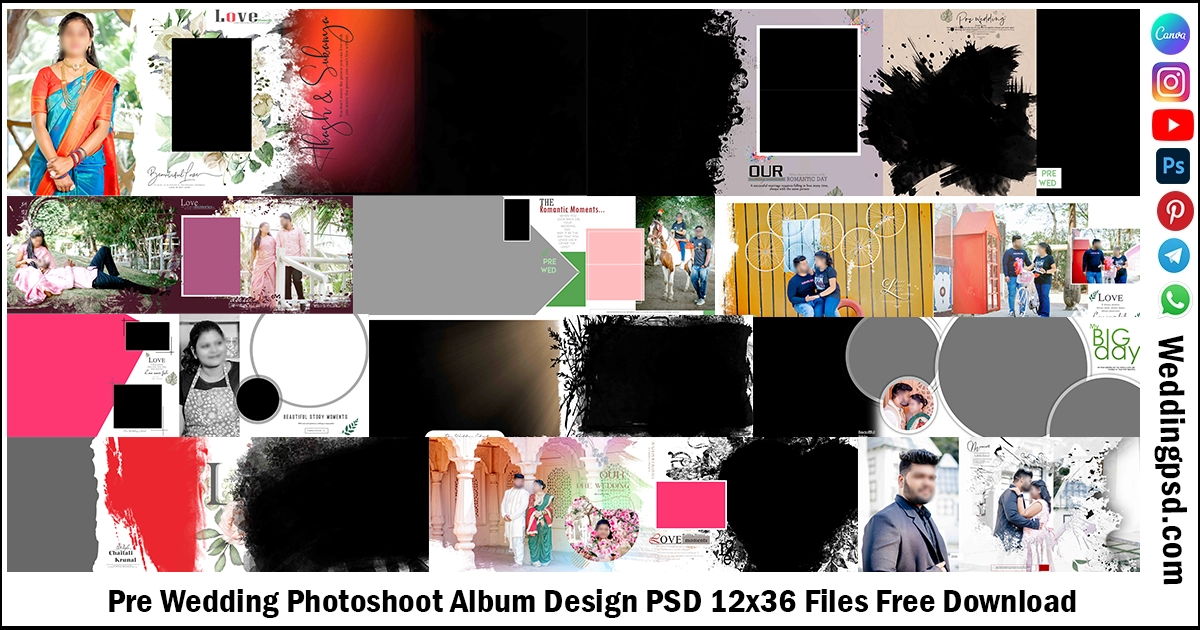
- Pre Wedding Photoshoot Album Design PSD 12×36 Files Free Download
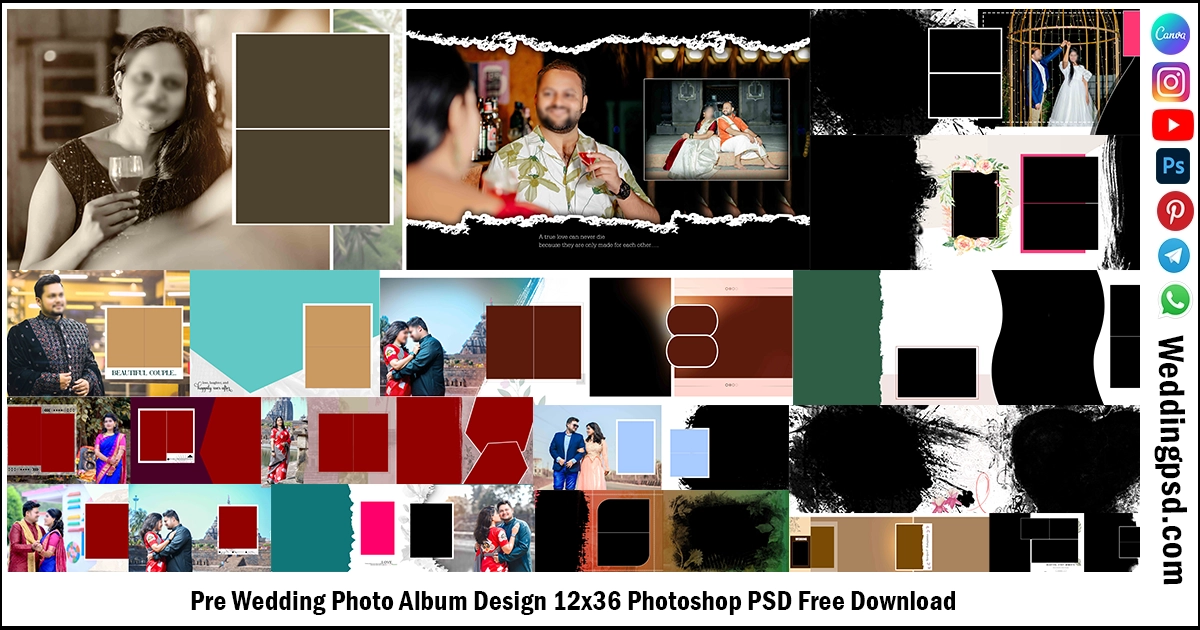
- Pre Wedding Photo Album Design 12×36 Photoshop PSD Free Download
What is a Pre Wedding Photoshoot Album Design?
A pre wedding photoshoot album design is a collection of arranged photographs that tells the couple’s story before marriage. Designers organize the images across multiple pages with backgrounds, frames, text, and creative elements. The final result becomes a printed album or a digital album.Common features include:
- High resolution pages at 300 DPI.
- Fully editable Photoshop PSD files.
- Stylish photo layouts and collages.
- Romantic backgrounds and effects.
- Text areas for names, dates, and quotes.
- Print ready color settings and bleed guides.
- Digital sharing formats such as JPG and PDF.
Photographers often choose ready made templates because they reduce design time and maintain consistent quality across projects.
How to Download Pre Wedding Photoshoot Album Design
Follow these steps to download a pre wedding photoshoot album design.
- Visit your preferred PSD template website.
- Search for Pre Wedding Photoshoot Album Design.
- Open the product page and review the preview images.
- Check the file format, size, and software requirements.
- Complete the purchase or start the free download if available.
- Save the ZIP file on your computer.
- Create a dedicated folder for the project.
Recommended folder structure:
- Pre Wedding Project
- RAW Photos
- Edited Photos
- PSD Template
- Exports
- Client Delivery
How to Unzip Pre Wedding Photoshoot Album Design Files
Most template downloads arrive as ZIP or RAR archives.
Windows
- Right click the ZIP file.
- Select Extract All.
- Choose the destination folder.
- Click Extract.
Mac
- Double click the ZIP file.
- The system will extract the files automatically.
If You Receive a RAR File
- Install WinRAR or 7 Zip on Windows.
- Use The Unarchiver on Mac.
- Extract the archive into your project folder.
After extraction, verify that the PSD files, fonts, and preview images are available.
How to Design a Pre Wedding Photoshoot Album Design
Adobe Photoshop is the most common tool for editing PSD album templates.
Step 1: Open the PSD File
- Launch Photoshop.
- Click File > Open.
- Select the PSD template.
Step 2: Replace the Placeholder Photos
- Locate the smart object layer.
- Double click the smart object.
- Insert the couple’s photo.
- Save the smart object and return to the main file.
Step 3: Arrange the Story
Use a logical sequence:
- Introduction page.
- Casual portraits.
- Romantic close ups.
- Outdoor wide shots.
- Fun candid moments.
- Final signature page.
Step 4: Edit Colors
Maintain consistent tones across all pages. Use adjustment layers for brightness, contrast, and color balance.
Step 5: Add Text
Include:
- Couple names.
- Engagement date.
- Location.
- Short quotes.
- Studio branding if required.
How to Select Photos for a Pre Wedding Photoshoot Album Design
Choose quality over quantity.Selection checklist:
- Sharp focus.
- Natural expressions.
- Variety of poses.
- Different camera angles.
- Balanced indoor and outdoor shots.
- Consistent editing style.
- No duplicate images.
Many designers use 40 to 80 carefully selected images for a standard album.
Typography Tips
Good typography improves readability.Use:
- One elegant script font for headings.
- One clean sans serif font for body text.
- Large spacing between lines.
- Consistent font sizes across pages.
Avoid using too many font styles in a single album.
Color Combination Ideas
| Theme | Colors |
|---|---|
| Classic Romance | White, blush pink, gold |
| Modern | White, black, gray |
| Traditional | Maroon, cream, gold |
| Beach | Blue, turquoise, white |
| Nature | Green, brown, beige |
How to Save a Pre Wedding Photoshoot Album Design
Saving correctly prevents quality loss.For Editing:
- Save the working file as PSD.
- Keep all layers intact.
- Create backup copies regularly.
For Client Preview:
- Export as high quality JPG.
- Use sRGB color space for digital viewing.
- Reduce file size if sending through messaging apps.
For Printing:
- Export as TIFF or high quality JPG.
- Maintain 300 DPI resolution.
- Check bleed and crop marks.
How to Share with Your Client
Client delivery should be simple and professional.Popular methods:
- Google Drive.
- Dropbox.
- OneDrive.
- Private website gallery.
- Password protected download link.
Before sharing:
- Rename files clearly.
- Include a low resolution preview.
- Add printing instructions if needed.
- Confirm the final approval from the client.
How to Print a Pre Wedding Photoshoot Album Design
Printing requires careful preparation.Checklist:
- Use 300 DPI images.
- Convert colors according to your lab requirements.
- Leave proper bleed areas.
- Check spelling of names and dates.
- Review every page at 100% zoom.
- Send the final print ready file to the album manufacturer.
Ask the printing lab for a sample if you are using a new vendor.
FAQ Section
1. What is a Pre Wedding Photoshoot Album Design PSD?
A Pre Wedding Photoshoot Album Design PSD is an editable Adobe Photoshop template designed for creating beautiful pre wedding photo albums. You can easily replace sample photos with your own images, edit text, change colors, and customize every page.
2. Which software do I need to edit the PSD files?
You need Adobe Photoshop to edit PSD album templates. Most templates work with Photoshop CC and newer versions. Some templates also support older Photoshop versions, depending on how they were created.
3. Are the PSD templates fully editable?
Yes. Most Pre Wedding Photoshoot Album Design PSD Download files include fully editable layers. You can change photos, backgrounds, fonts, colors, cliparts, effects, and page layouts without losing image quality.
4. What album sizes are available?
Professional PSD templates are available in popular sizes such as 12×36, 12×18, 15×24, 18×24, 8×12, and other standard wedding album sizes. Choose the size that matches your printing requirements.
5. Can beginners use these PSD templates?
Yes. These templates are beginner friendly. Most files use Smart Objects, which allow you to replace photos with just a few clicks. Basic Photoshop knowledge is enough to create a professional album.
6. How do I print the final album?
After editing, save the album in high resolution at 300 DPI using the CMYK color mode. Export the final pages as high quality JPG or PDF files based on your printing lab’s requirements. Always review every page before sending it for printing.
Get more PSD:
- Pre Wedding Photo Album Design 12×36 Photoshop PSD Free Download
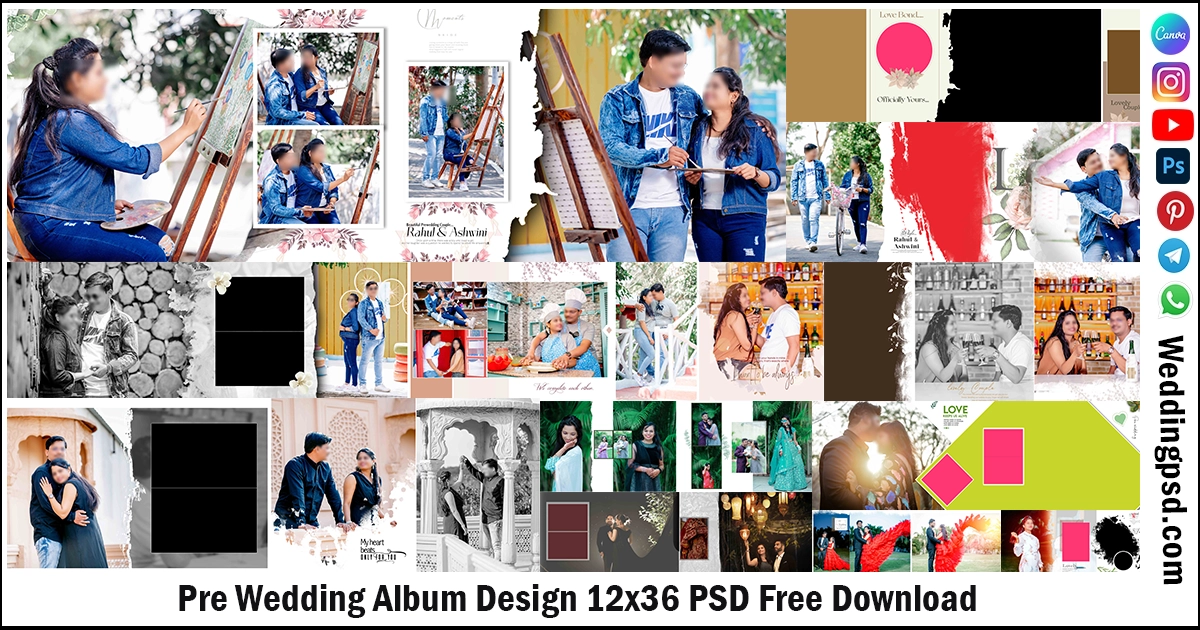
- Pre Wedding Album Design 12×36 PSD Free Download
Conclusion
Pre wedding photoshoot album design helps photographers and couples preserve special moments in a beautiful format. A professional design combines strong layouts, high quality photos, consistent colors, and readable typography. Start by downloading a reliable PSD template, organize your photos, edit the pages carefully, and export the album in the correct format for print and digital delivery. When you focus on storytelling and technical quality, your album will stand out and create a lasting impression. Use the steps in this guide to design, save, share, and print a stunning pre wedding album with confidence.
Thank you so much for visiting our weddingpsd.com. We are truly grateful for your support and the time you took to visit our site. Your appreciation inspires us to create and share more beautiful, high-quality designs. We are always working on new and unique templates to make your album even more special. Don’t forget to bookmark our page and come back often — there’s always something new waiting for you! Happy designing, and we look forward to seeing you again soon.